
Download LMU Broadcast Control
One installer for everyone. The app is free as installed; an Premium plan licence key unlocks the plan's features in the same app.
- Latest
- see GitHub ↗
- System
- Windows 10 or later
- Game
- Le Mans Ultimate, on this PC or another
- Streaming
- OBS Studio
- Install
- Per user, no admin rights
- Price
- Free · Premium plan from £9.99/month
What's included
- The app: timing, incidents, replays, cameras and the overlay.
- The SM Bridge, for running the game on a second PC.
- The Stream Deck plugin and the User Guide.
Up and running
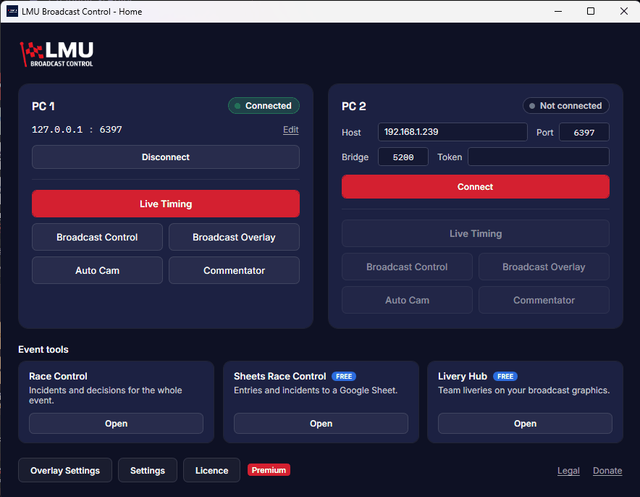
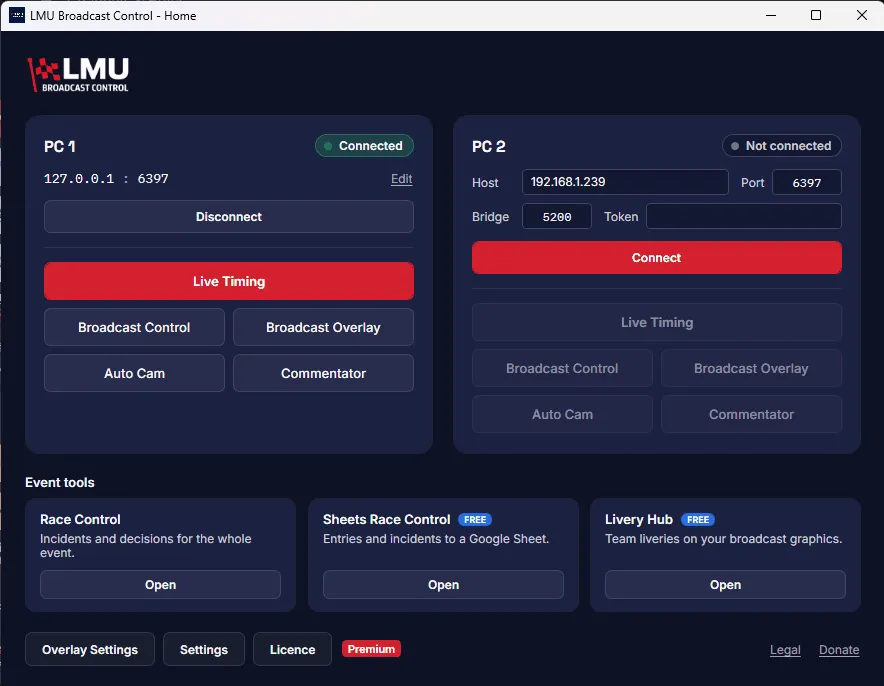
Home screen
- Run the installer. If the .NET 8 Desktop Runtime is missing, the installer offers it.
Windows may show a blue "Windows protected your PC" box, because the installer isn't yet recognised by Windows SmartScreen. Click More info, then Run anyway. - Turn on the game's web server in Le Mans Ultimate: Options → Controller → Multiplayer.
- Connect. Open the app and click Connect on the Home screen.
- Add the overlay to OBS as a browser source, from the Broadcast Overlay window.
Adding a licence key
The free app never needs a licence. If you subscribe, your key arrives by email: click Licence on the Home screen, paste it and click Activate. Activating a key · Plans
Setting up further
- Two PCs and the SM BridgeRun the game on one PC and the broadcast on another
- Stream DeckInstall the plugin and set up keys
- Release notes and older versions ↗What changed in each release, known issues, and checksums