
What LMU Broadcast Control does
Follow the race, choose the shots, replay the incidents and put it on air, from one Windows app made for Le Mans Ultimate league broadcasts.
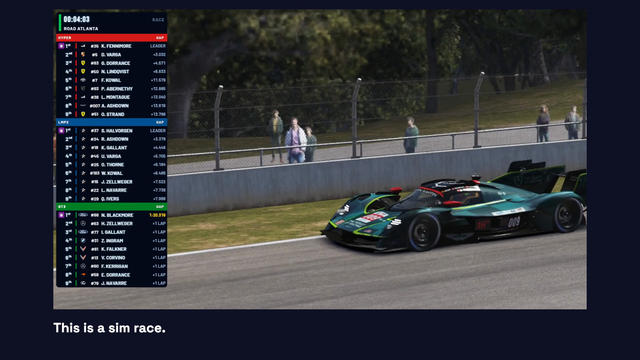
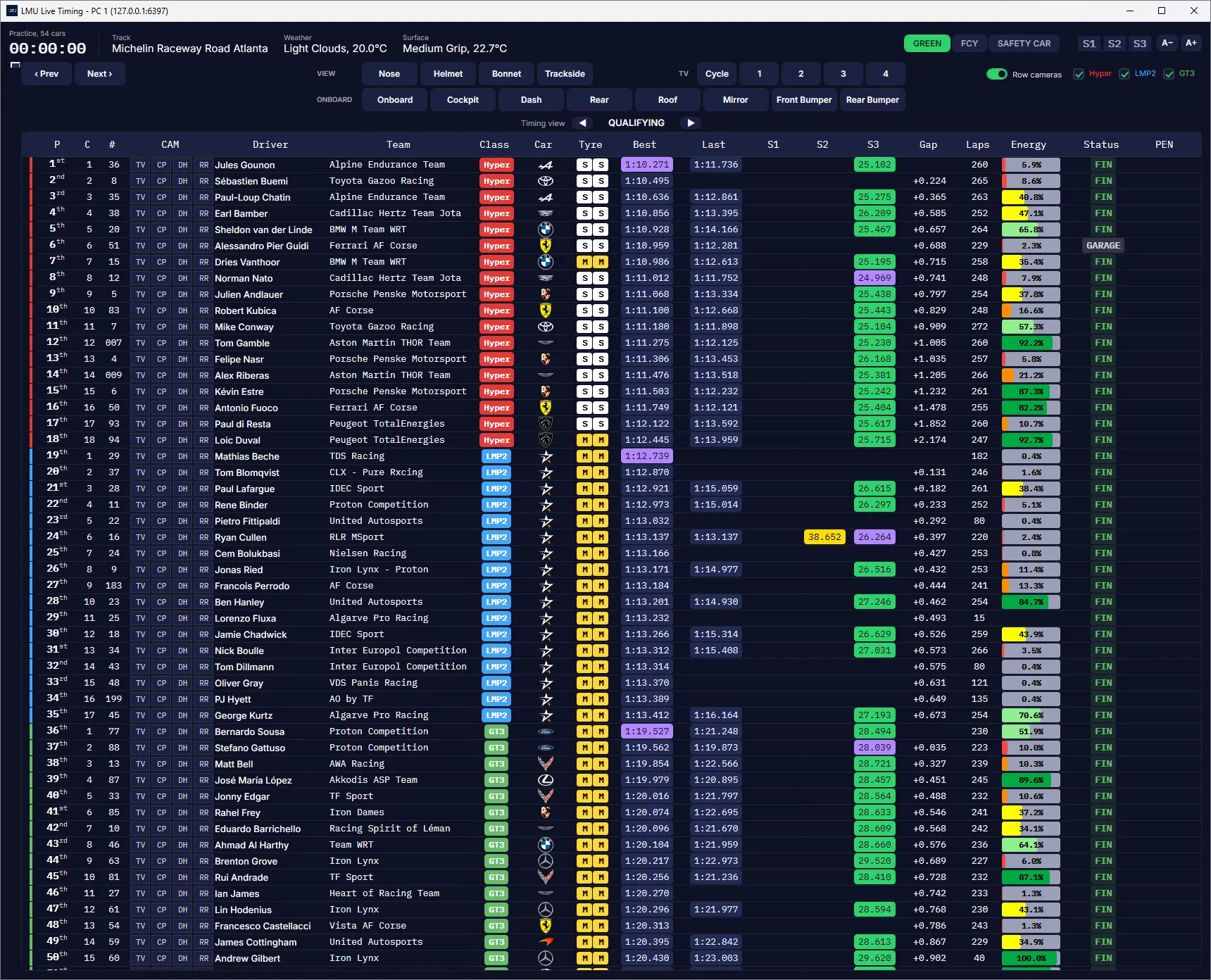
A timing grid for the whole field
Every car in one grid, with gaps, sectors, tyres and energy updating live. Close fights are picked out as they form, so you know where to point the camera.
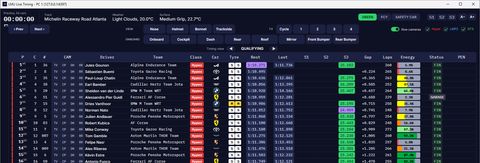
- Battles highlighted on the interval
- Class-best and personal-best sectors
- Lap history for any driver
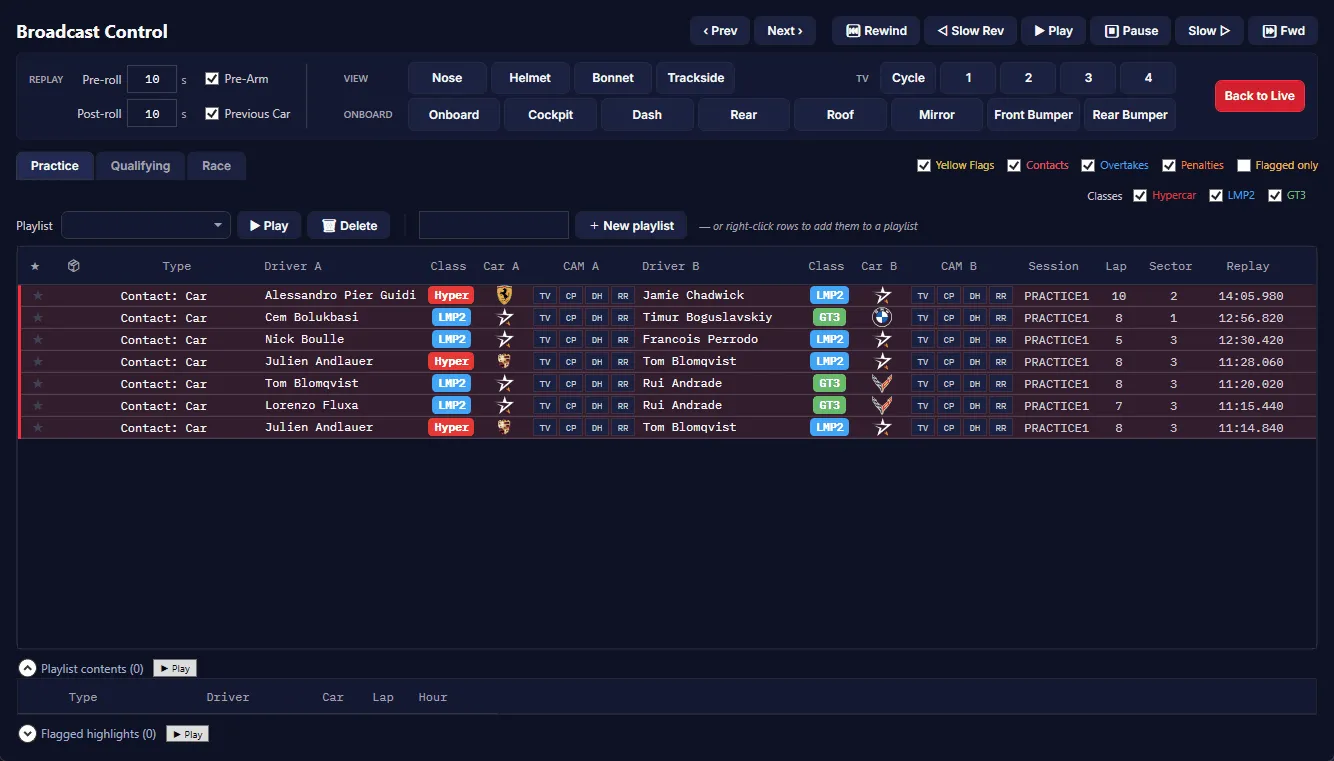
Incidents, as they happen
Contacts, yellow flags, overtakes and penalties land in one feed the moment they happen, tinted by type, with camera buttons for both cars.
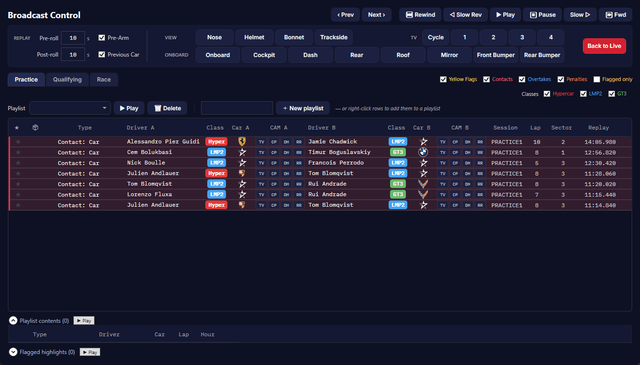
- From the game's incident list and the app's own detectors
- Filtered by type and session
- Sent to your stewards' room or spreadsheet
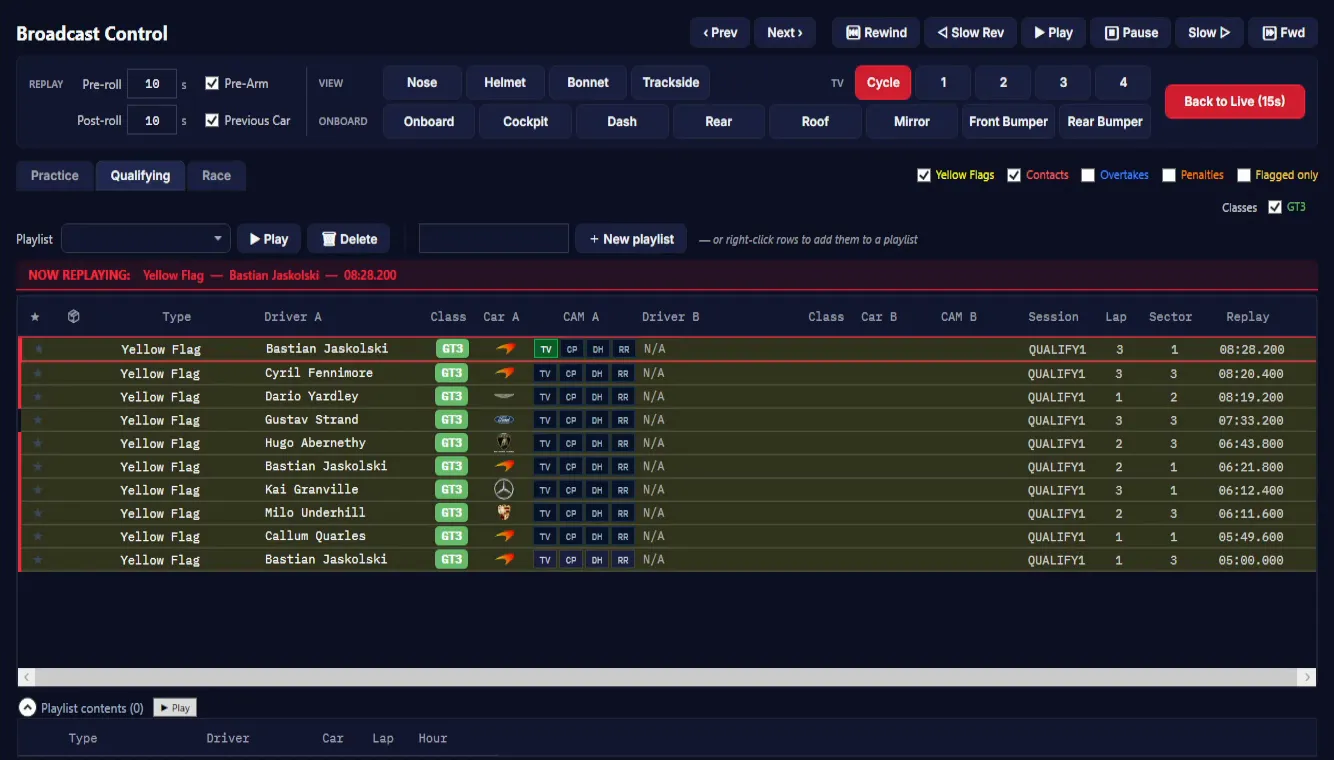
Any incident, replayed in a double-click
Double-click an incident and the game replays it, with as much before and after as you choose, then hands back to live.
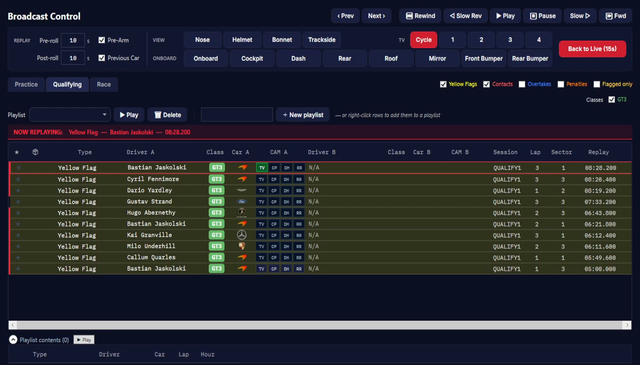
- Pre-roll and post-roll: how much to show either side of the incident.
- The camera angle you pick carries into the replay and back to live.
- Back to Live, at any time.
- Your own replay stinger
- Highlight playlists, played back-to-back
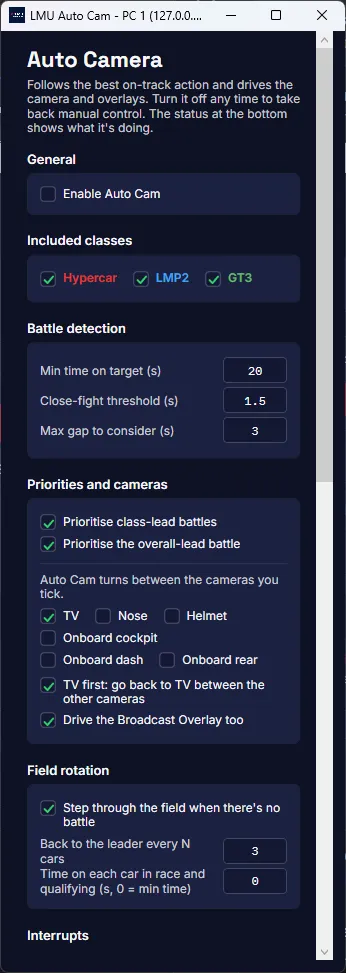
Choose every shot, or let Auto Cam direct
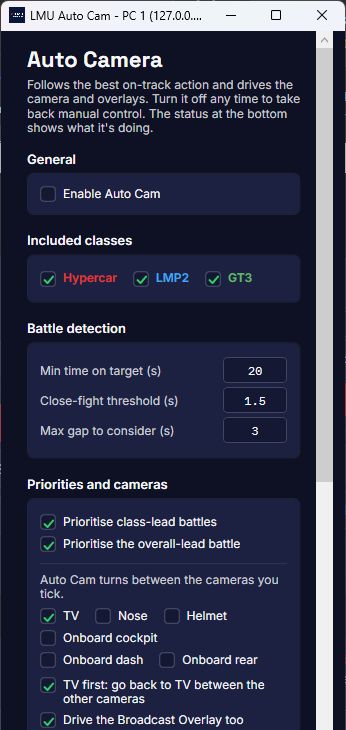
Pick the car from the grid and the angle from the camera bar in one click. For long and overnight races, Auto Cam works through the field like a TV director and cuts to the action.
- Car and angle in one click
- Auto Cam shows why it chose each shot
- Always starts switched off
Broadcast graphics, driven by the race
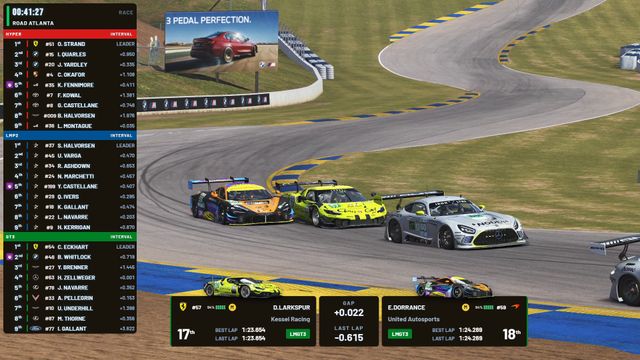
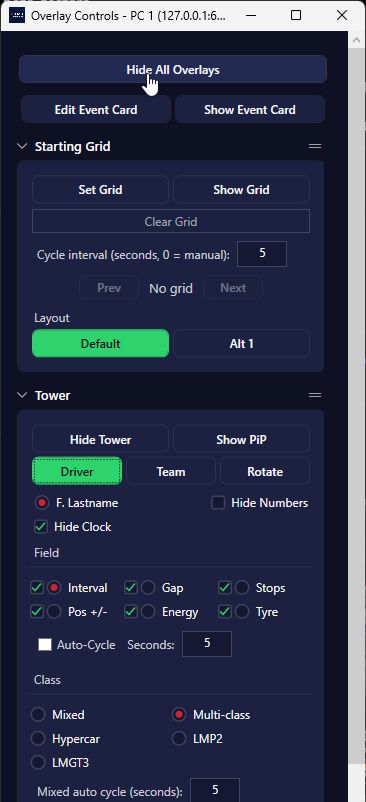
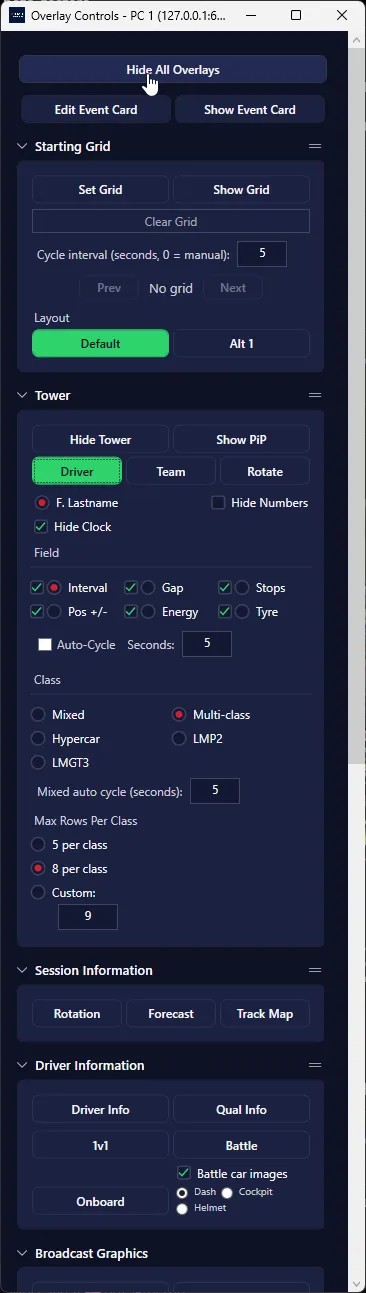
The overlay runs in the app and goes into OBS as a browser source. Standings, battles, results and replays update from the live session, and you choose what's on screen from the app or a Stream Deck.
Every overlay
Timing and standings
-
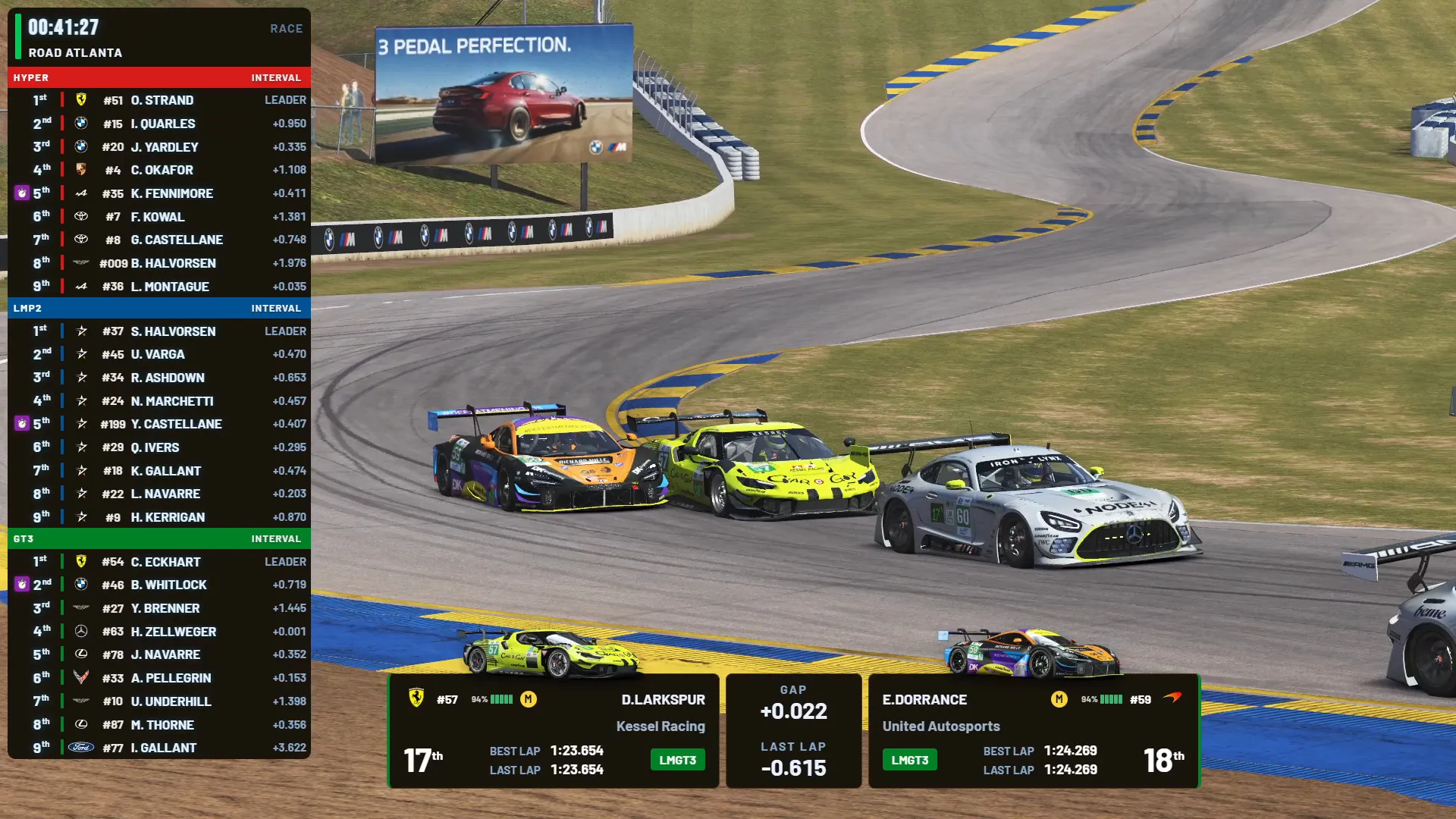
View Standings Tower full screen
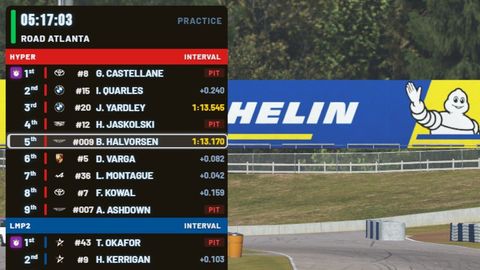
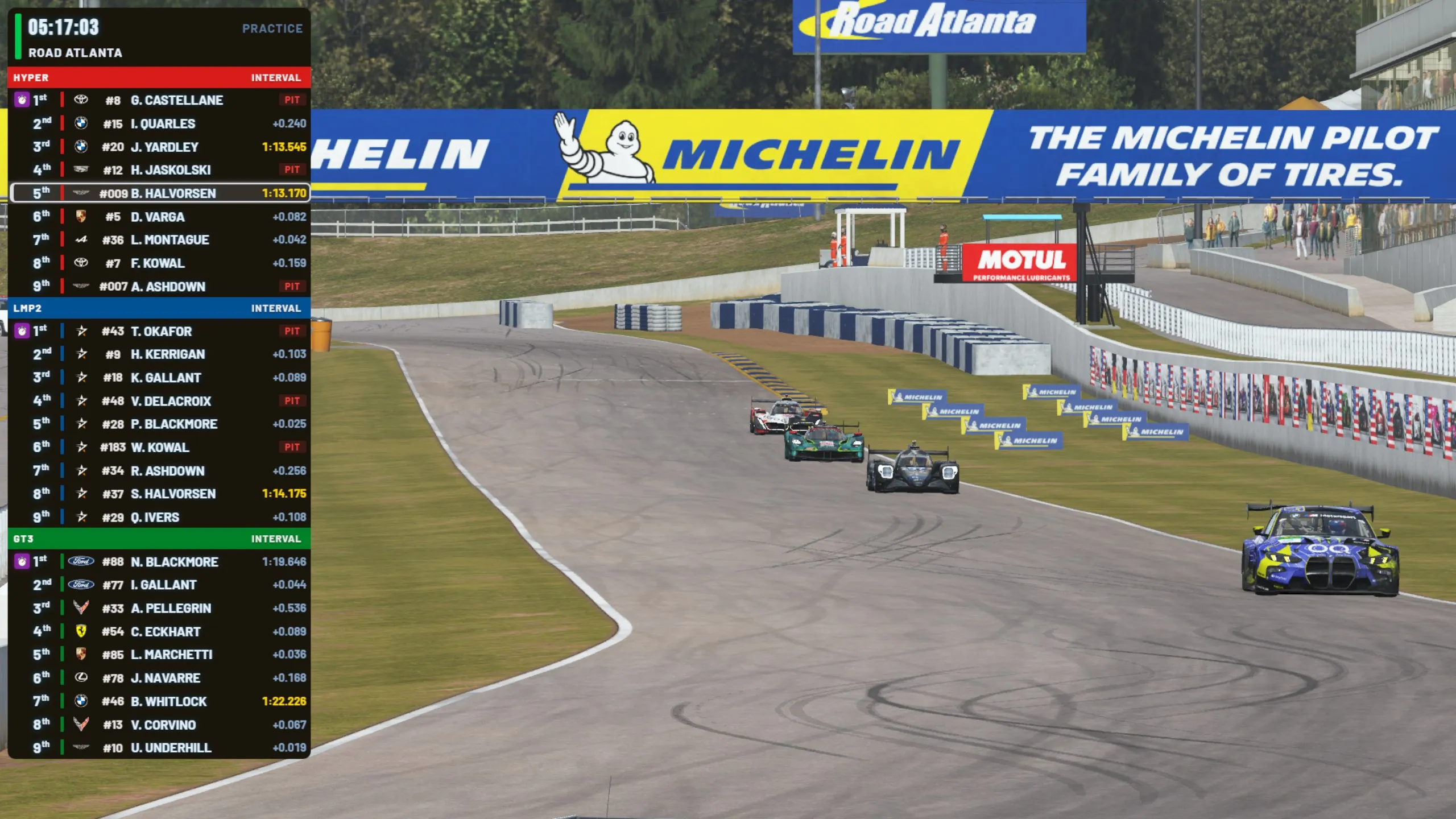
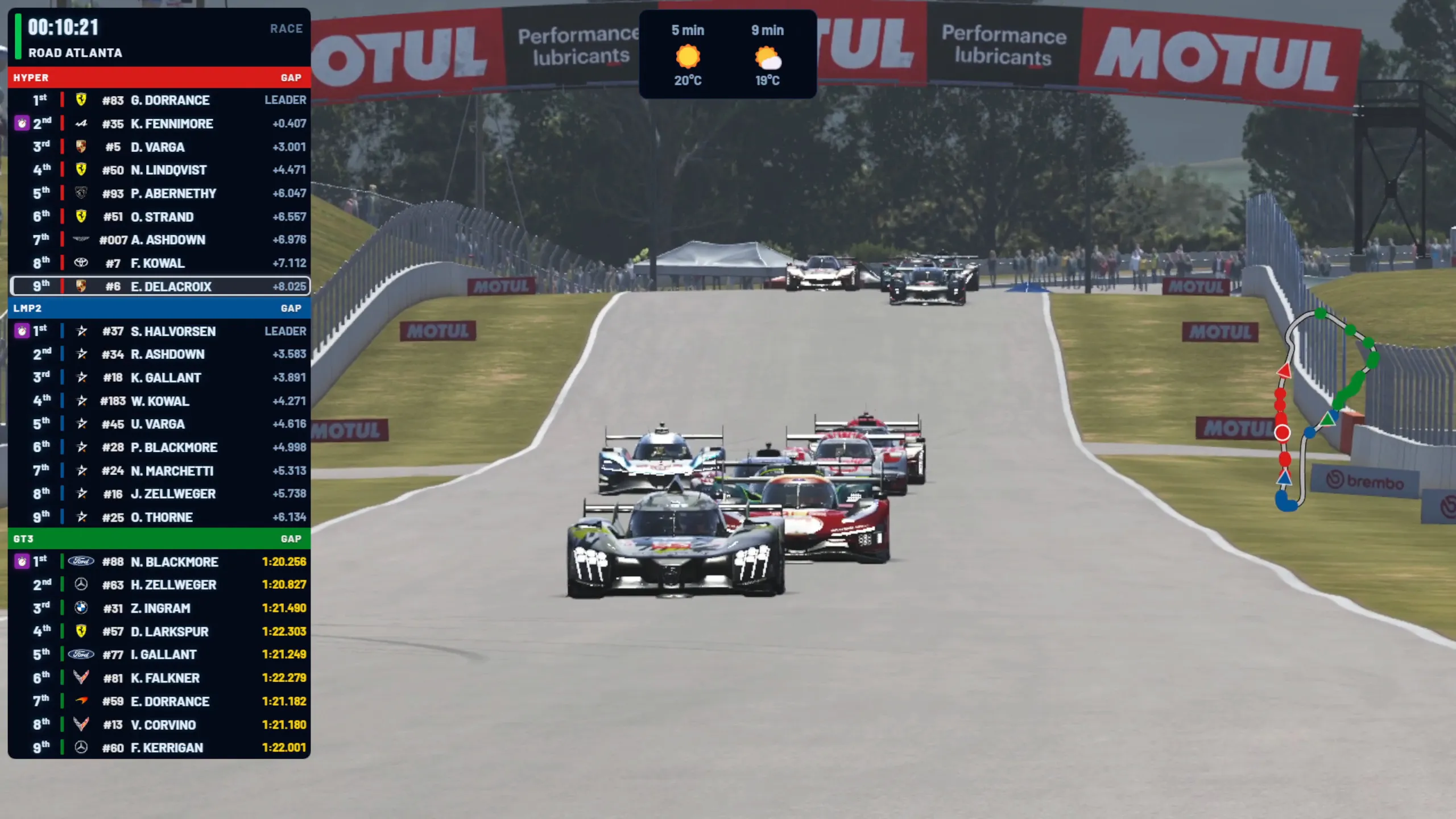
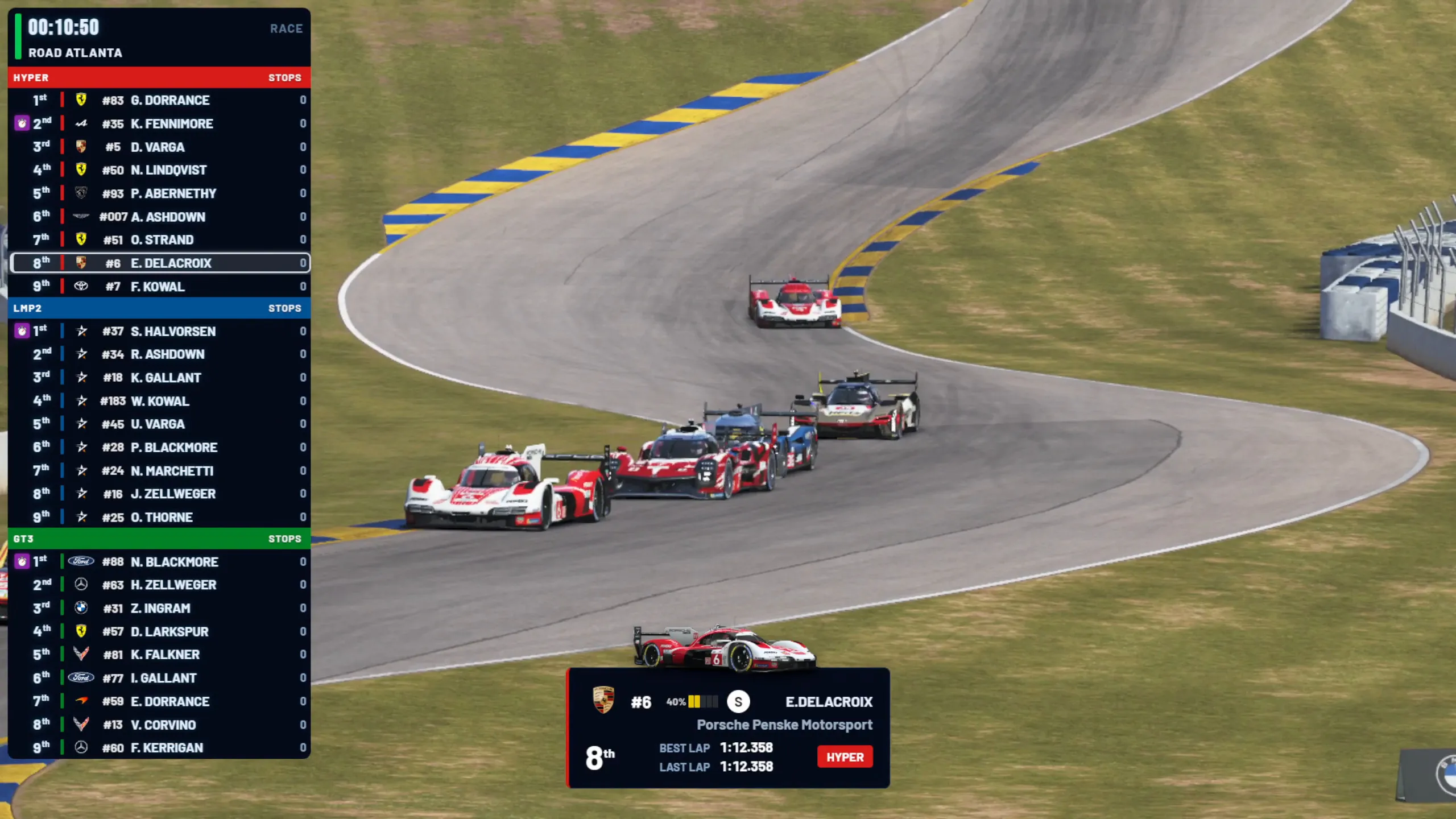
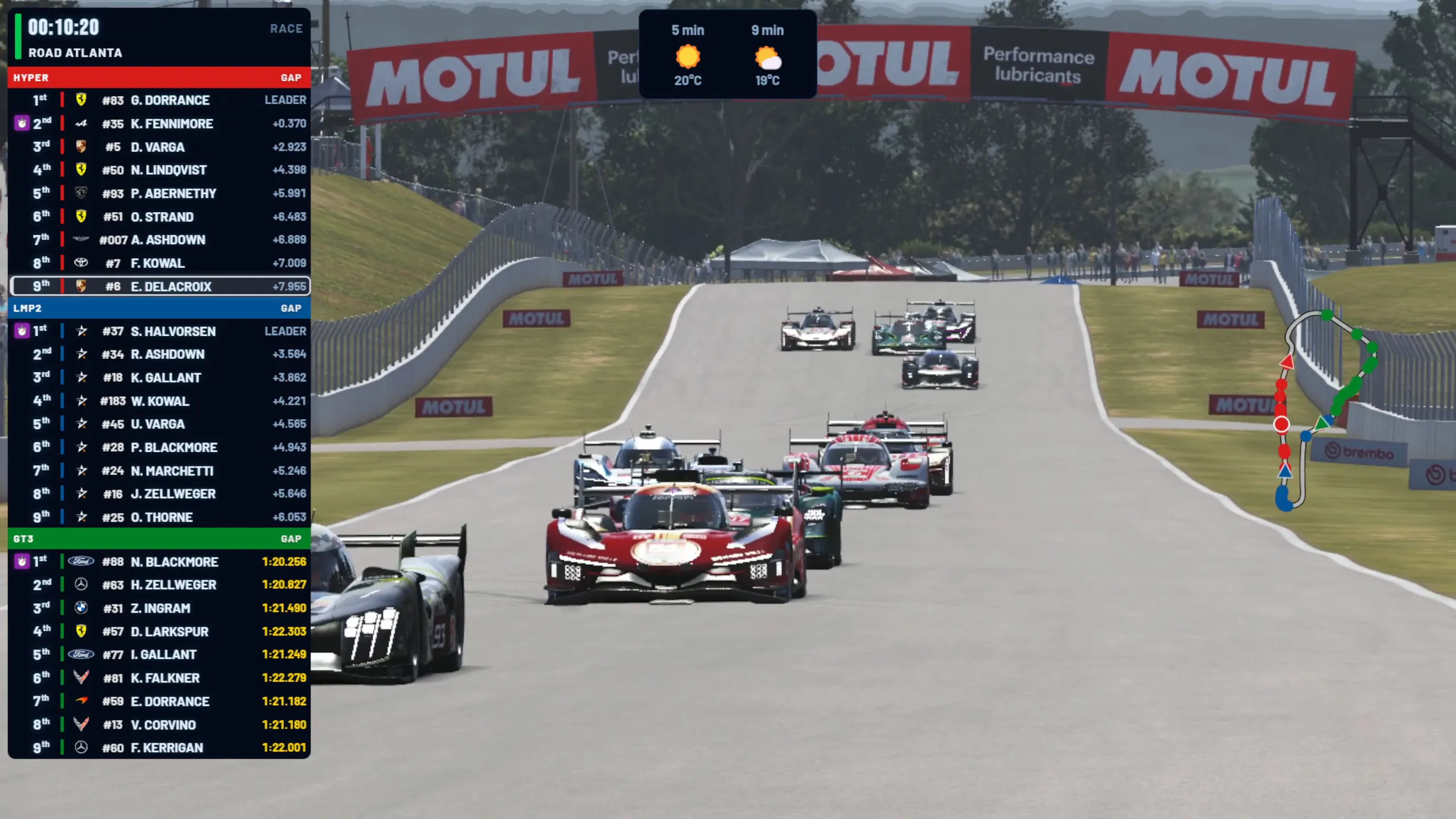
Standings Tower
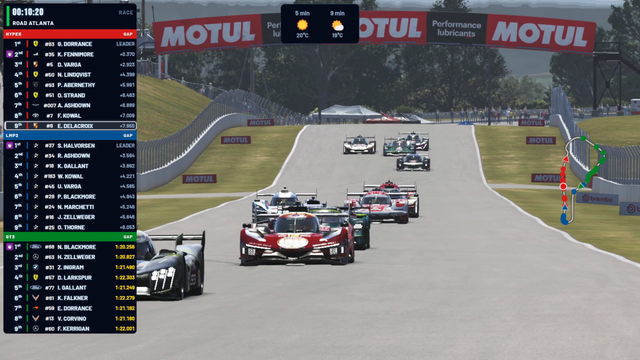
Race order with class colours, manufacturer logos and PIT, OUT, PEN, DQ and DNF badges. Cycles between interval, gap, stops, positions gained, energy and tyre.
-
View Fastest lap banner full screen
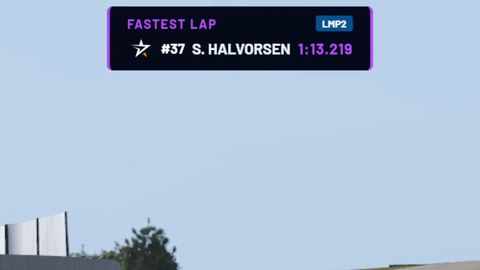
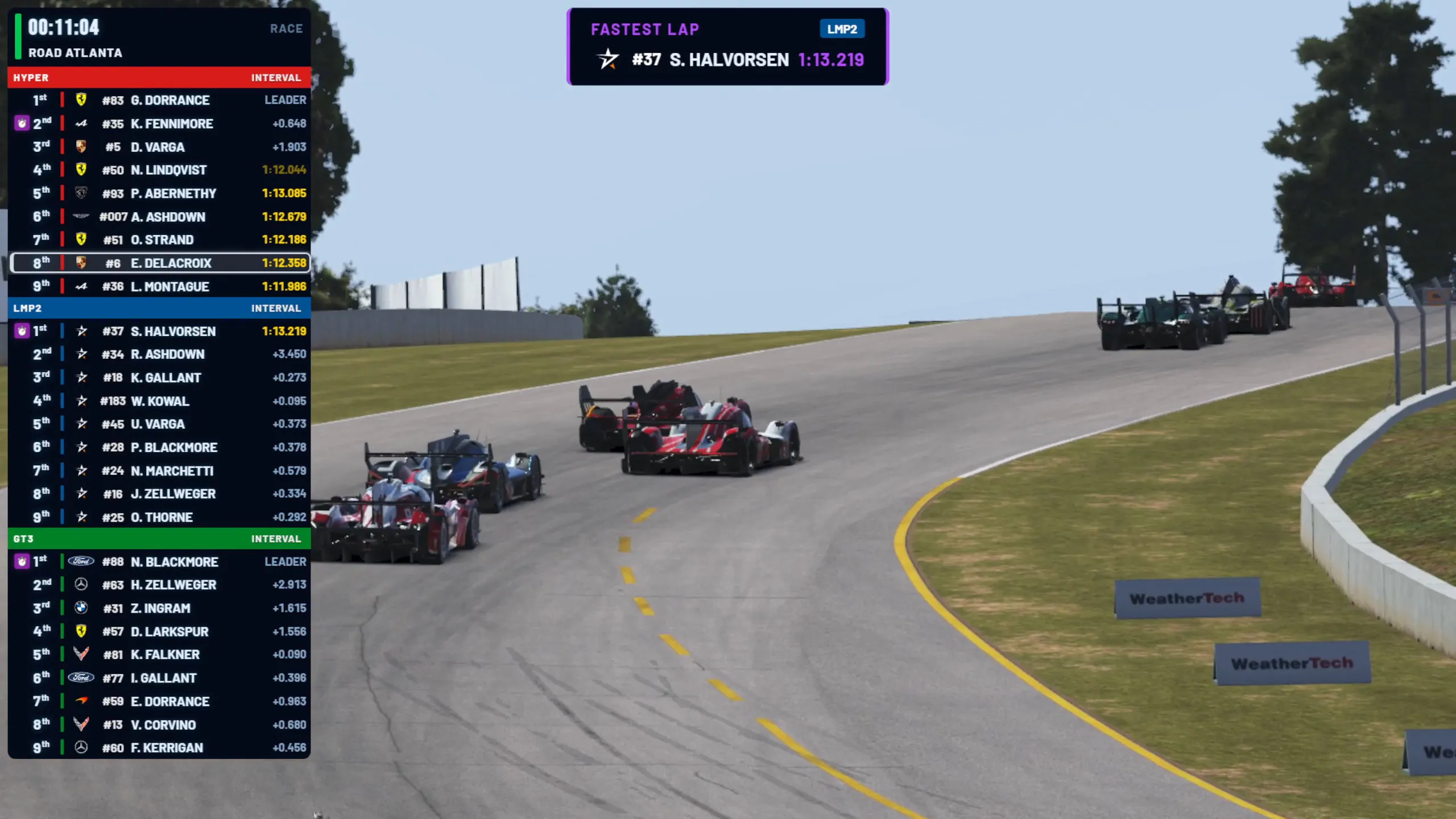
Fastest lap banner
Class badge, car, driver and time when a driver sets a new class-best lap.
-
View Info bar full screen
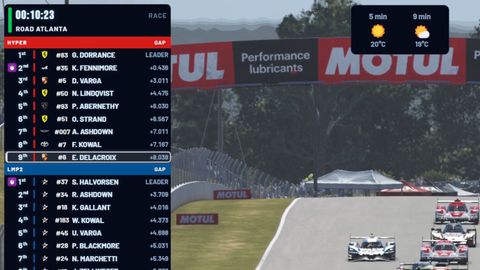
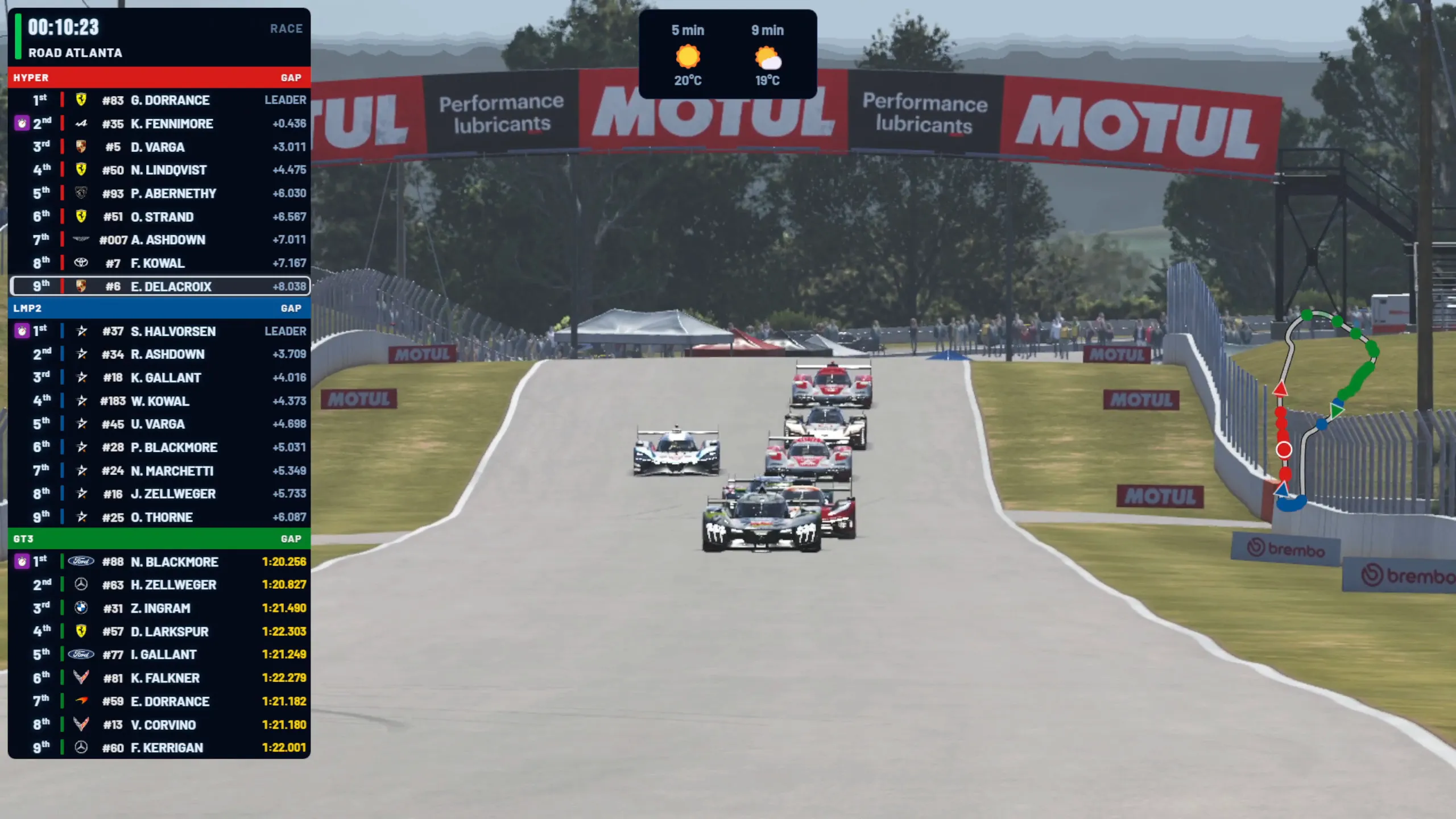
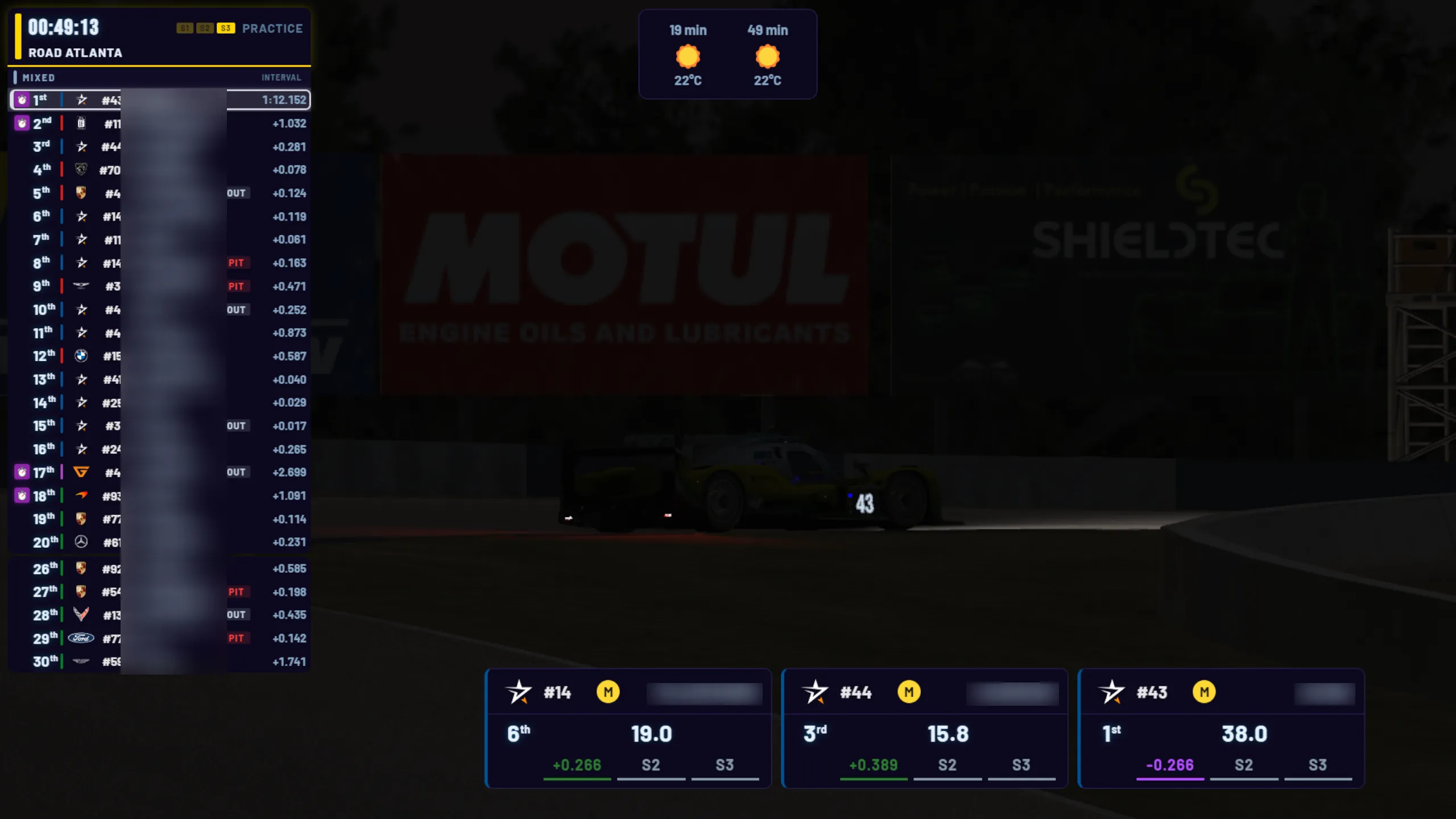
Info bar
The local time, with the conditions, air and track temperature and the next forecast change when you press Conditions, and the rest of the forecast with Forecast.
-
View Track Map full screen
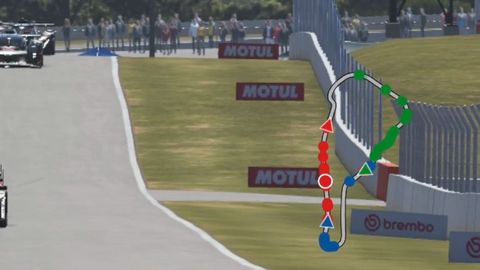
Track Map
Circuit outline with class-coloured car dots; the car causing a yellow is shown in gold.
Driver and battle
-
View Driver Info full screen
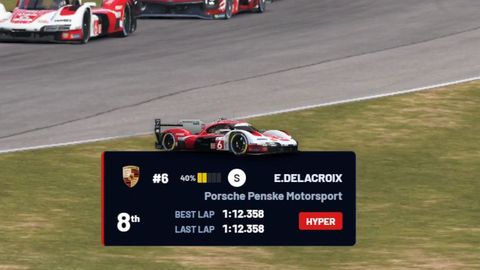
Driver Info
Car number, tyre compound, energy, position, best and last lap for the focused car.
-
View Qualifying Info full screen
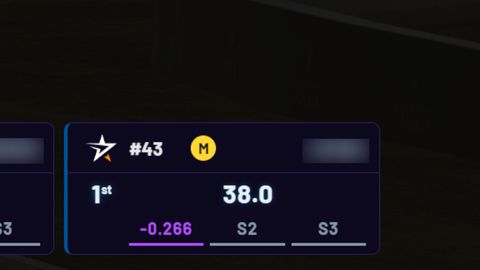
Qualifying Info
Live lap timer with sector deltas to personal best, in the same colours as Live Timing.
-
View 1v1 Battle full screen
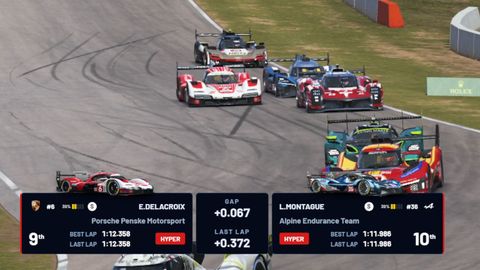
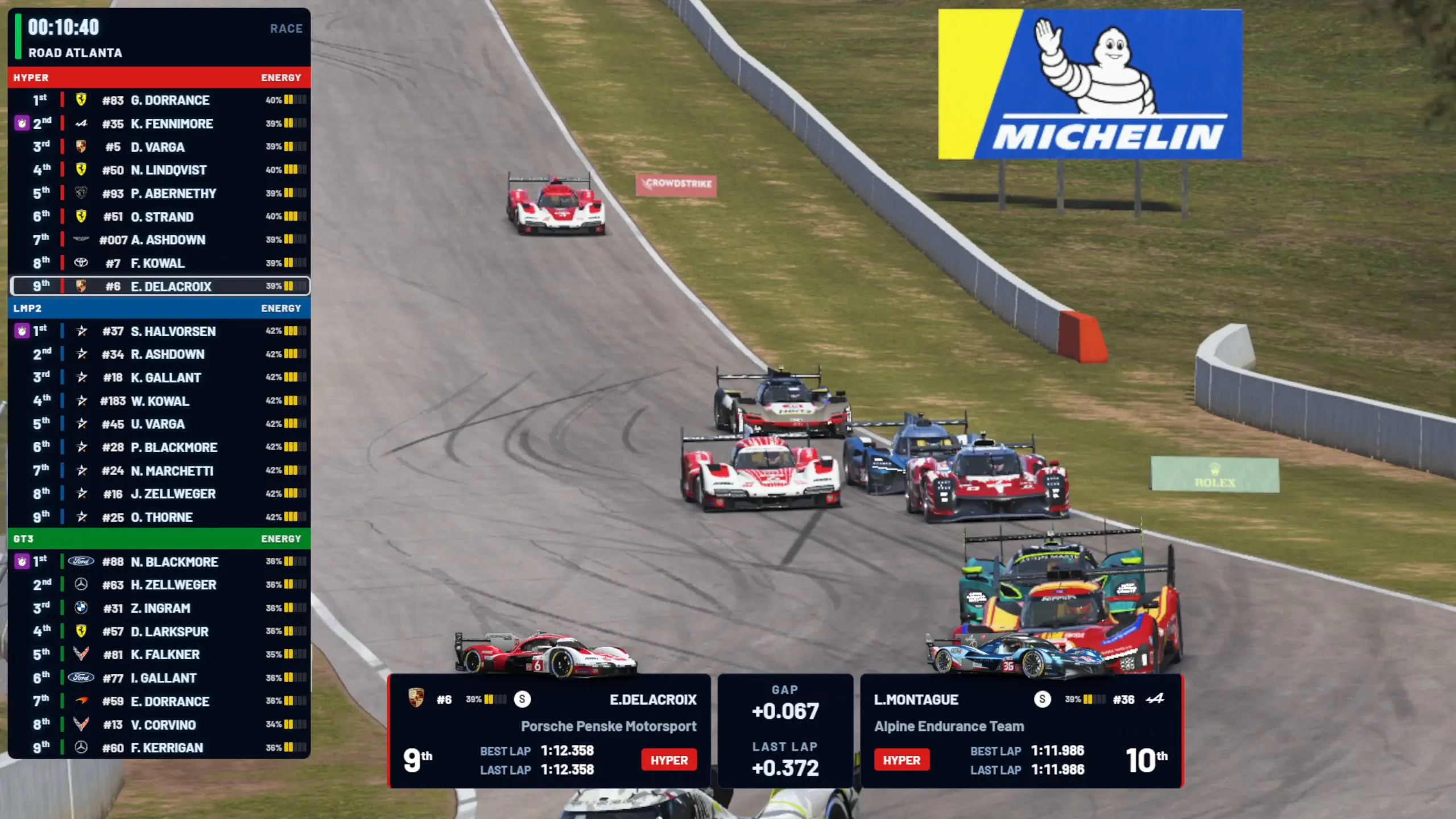
1v1 Battle
The focused car against the closest car ahead or behind: tyres, energy, laps and gap.
-
View Extended Battle full screen
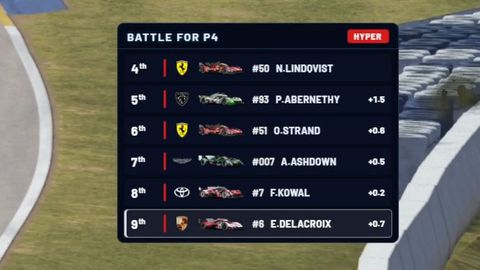
Extended Battle
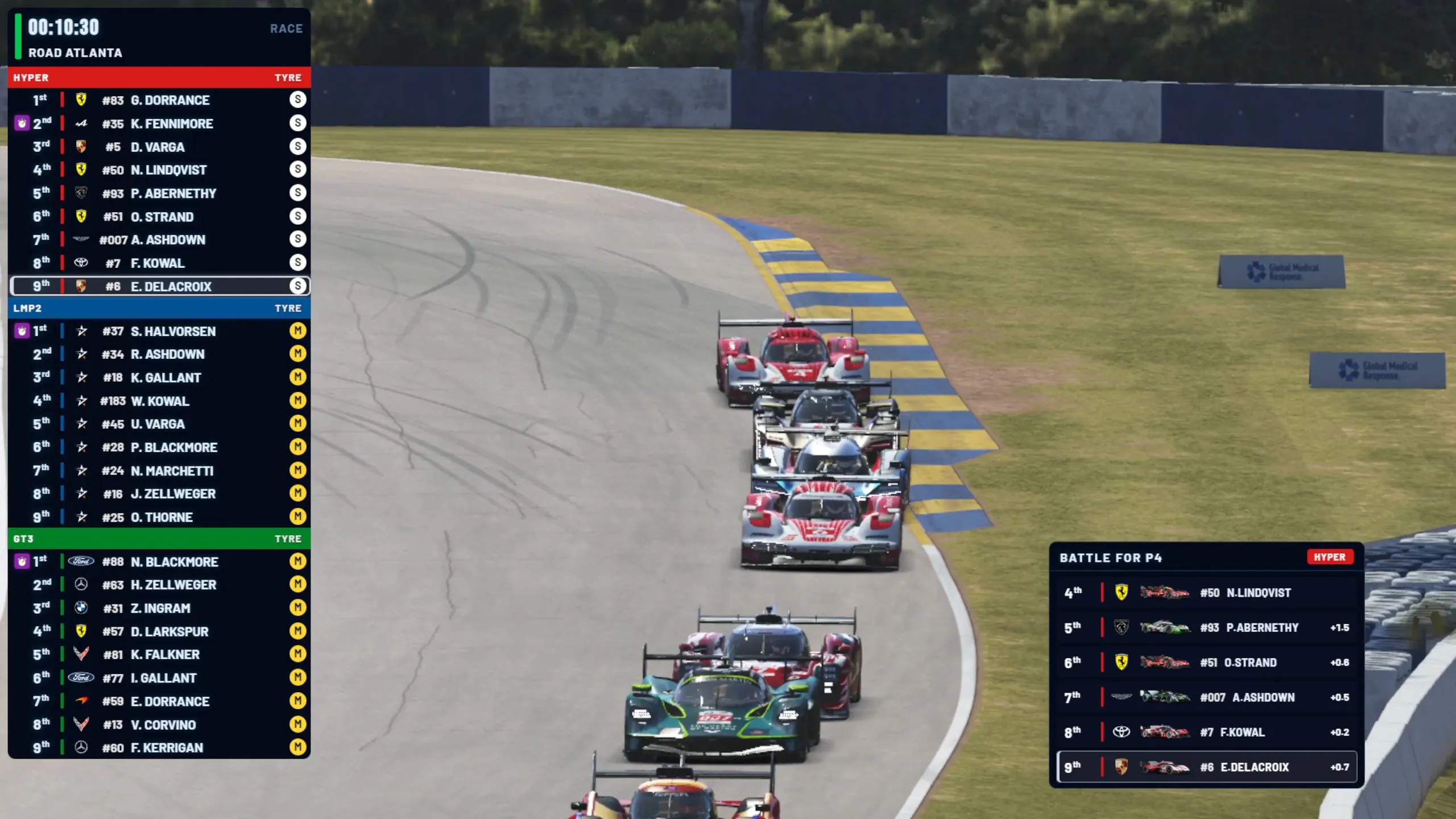
Up to six same-class cars within two seconds of each other, under a "Battle for P…" title.
-
View Onboard HUD full screen
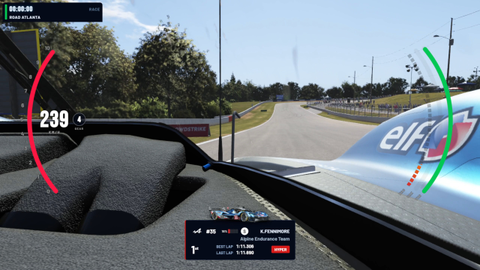
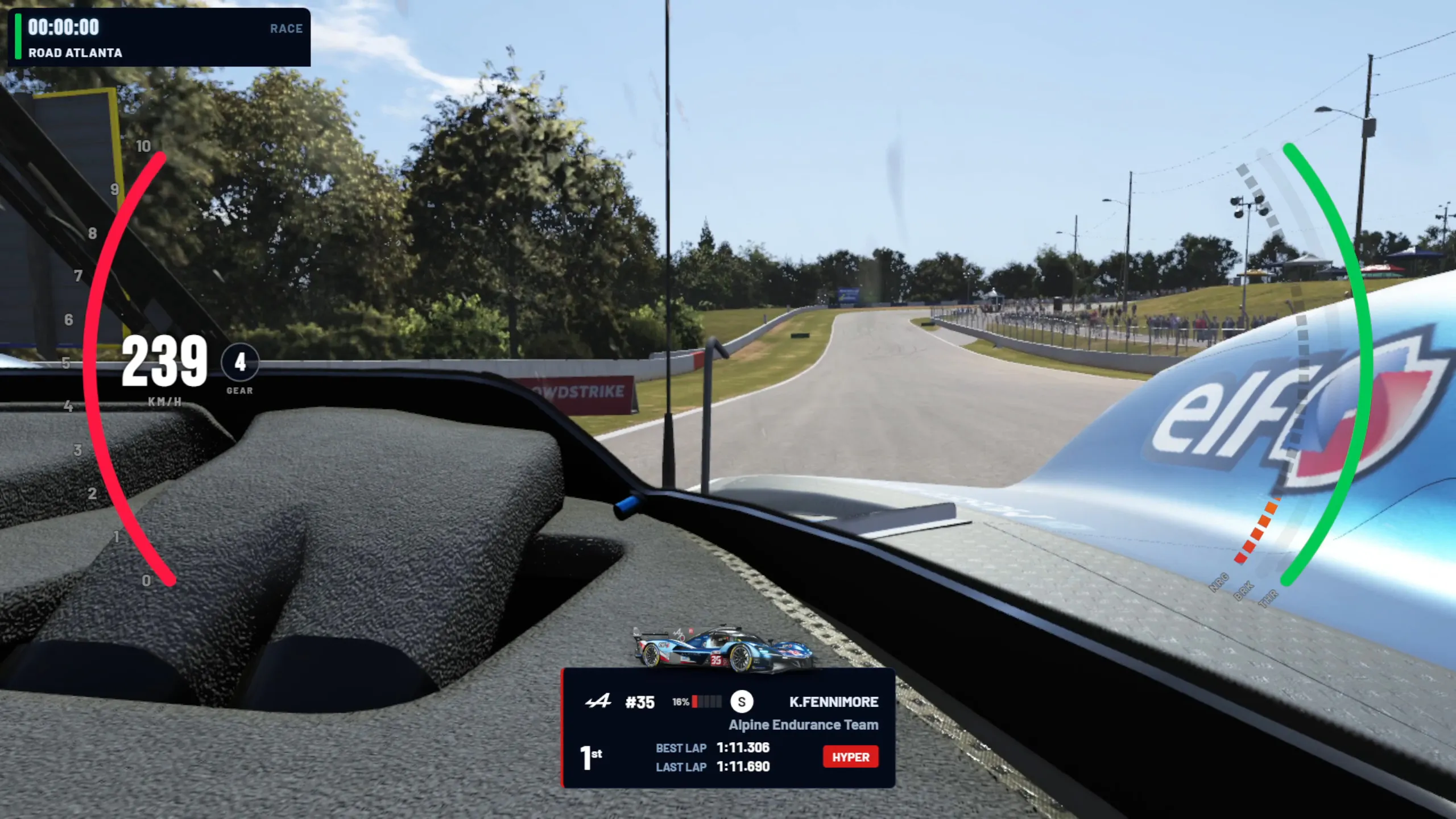
Onboard HUD
Speed, gear, revs, throttle, brake and energy over the dash or cockpit camera.
Pre-race and results
-
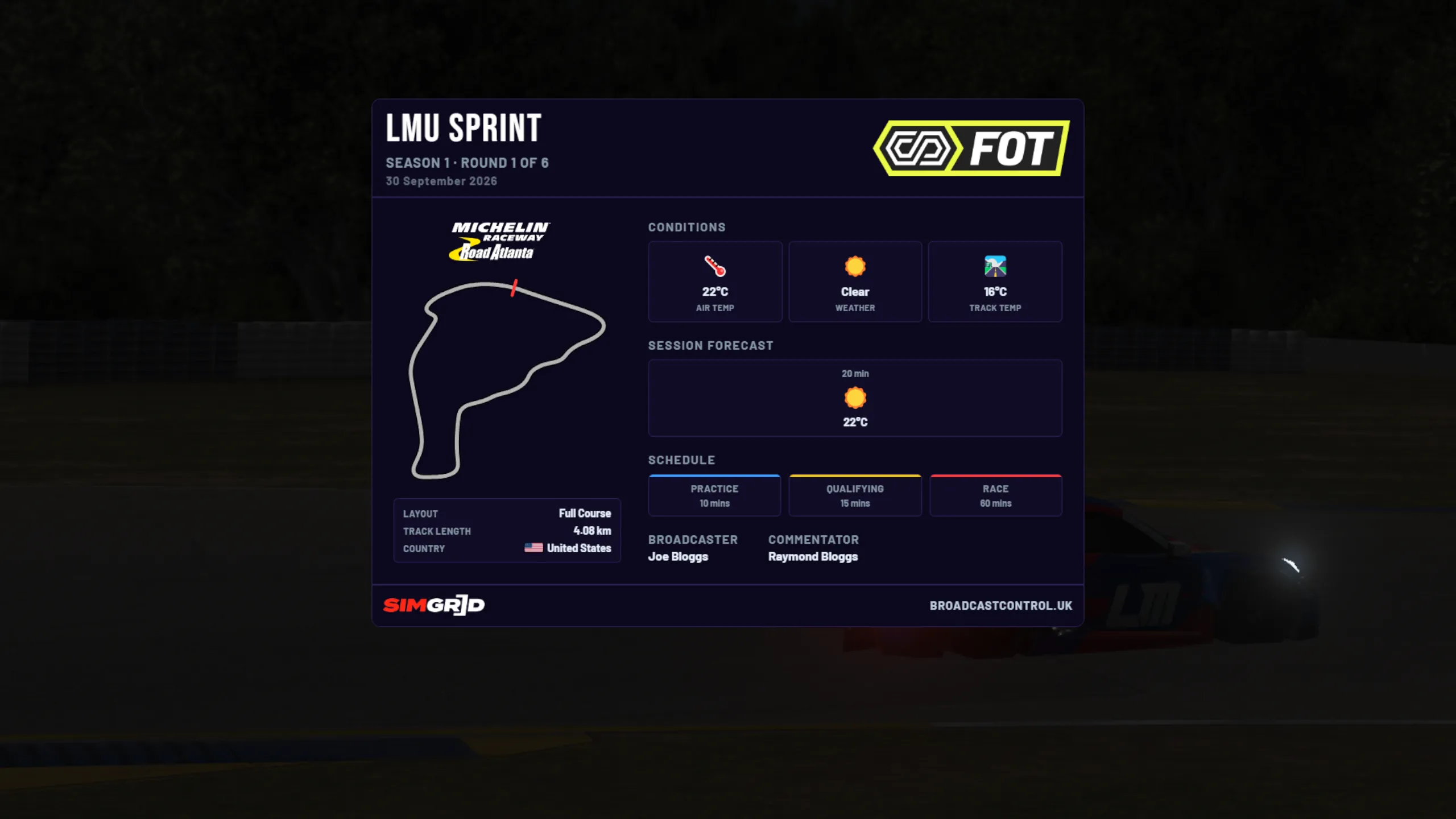
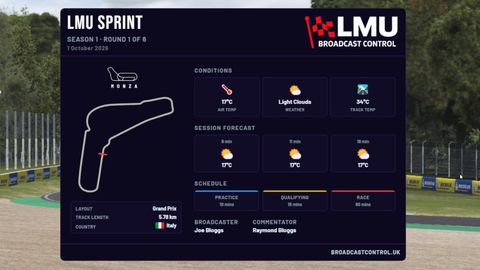
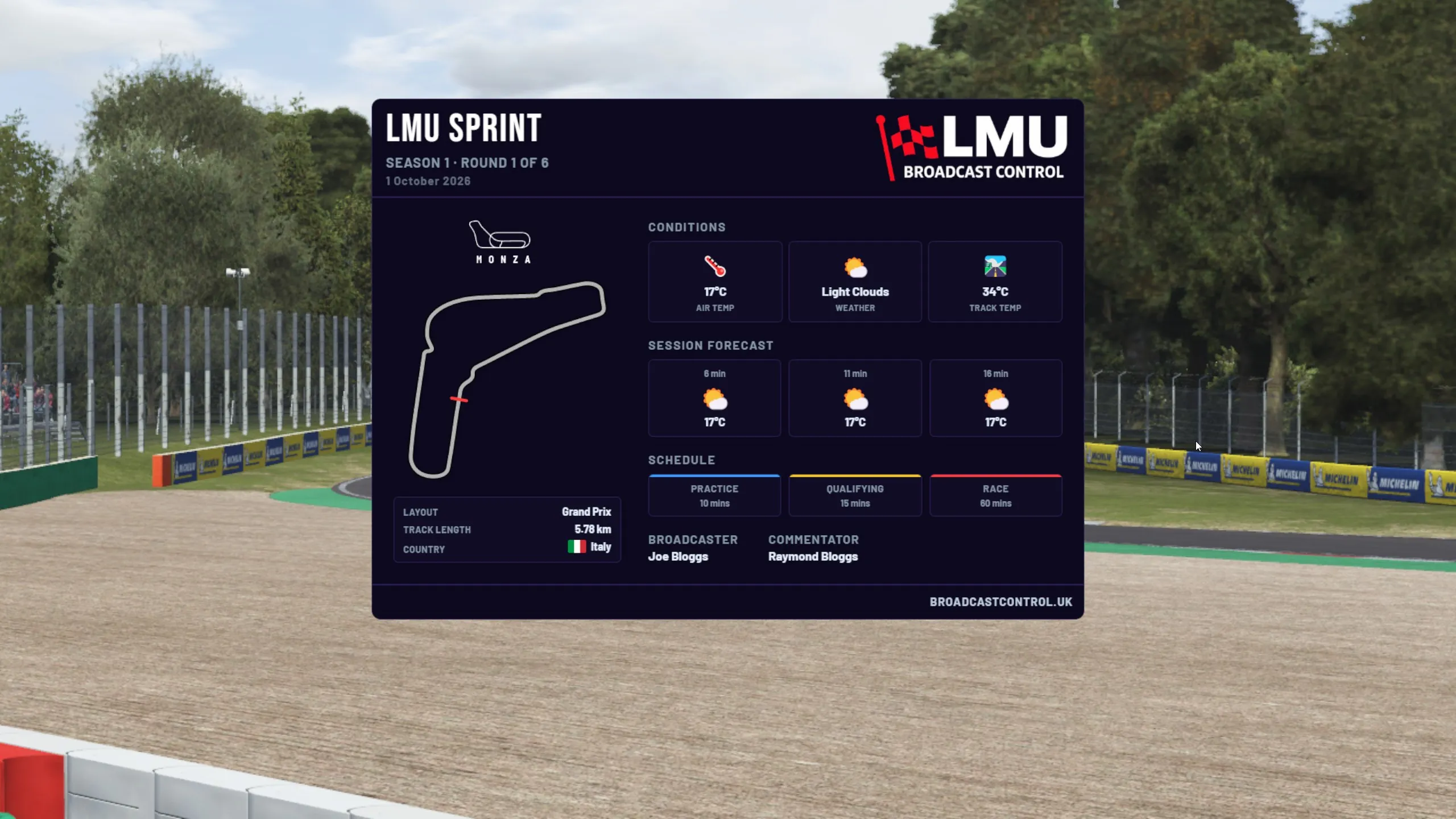
View Event card full screen
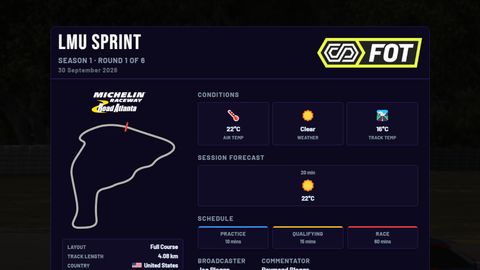
Event card
Broadcaster, commentators, series, round and sessions, with track and weather from the game.
-
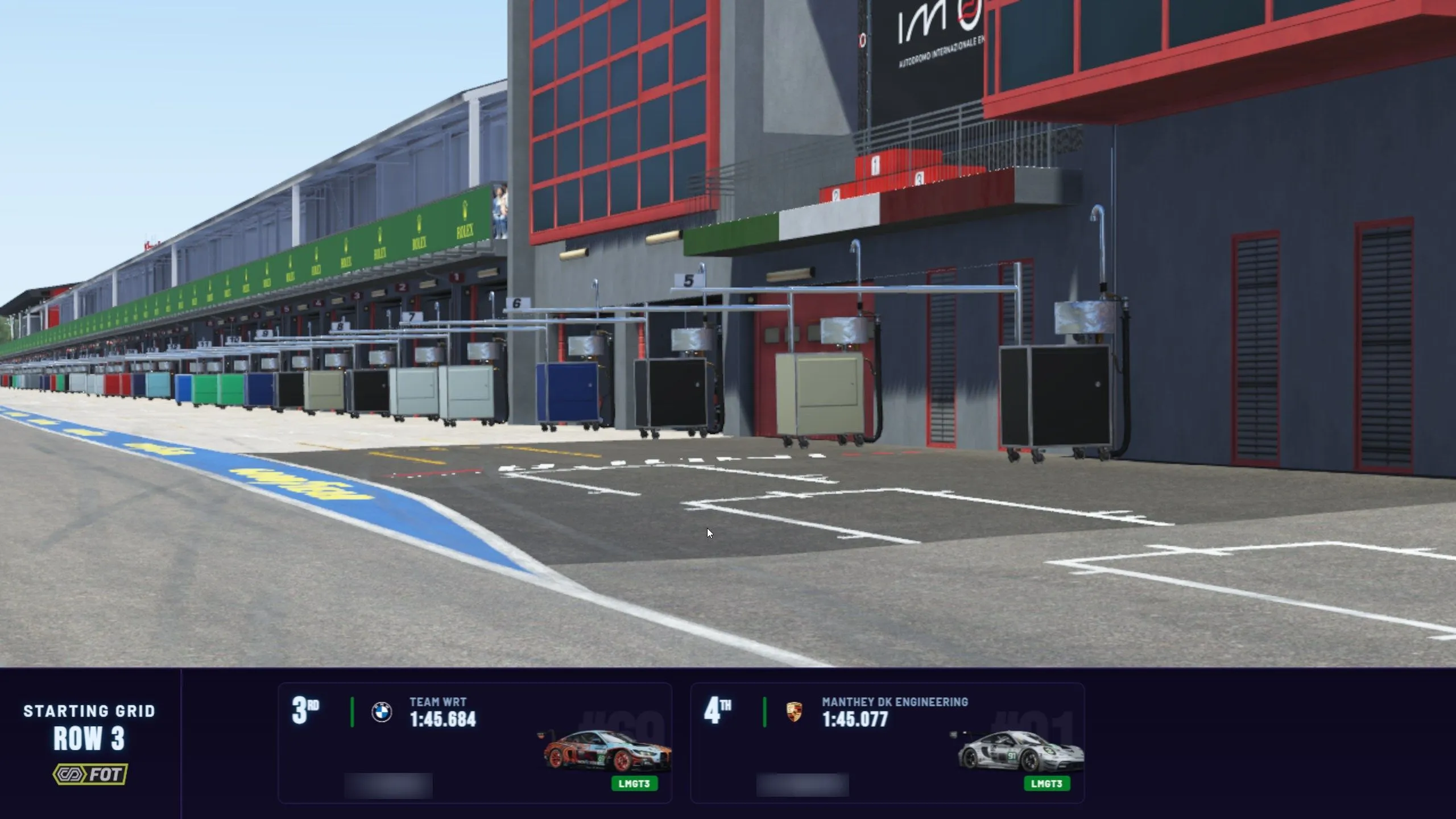
View Starting grid full screen
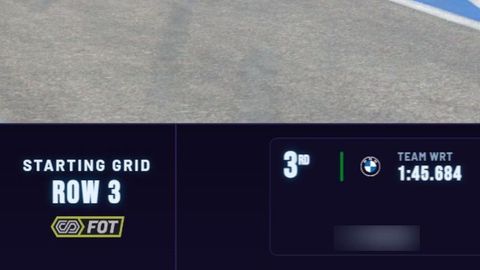
Starting grid
A row of the grid along the bottom of the screen: position, team, qualifying time and car image.
-
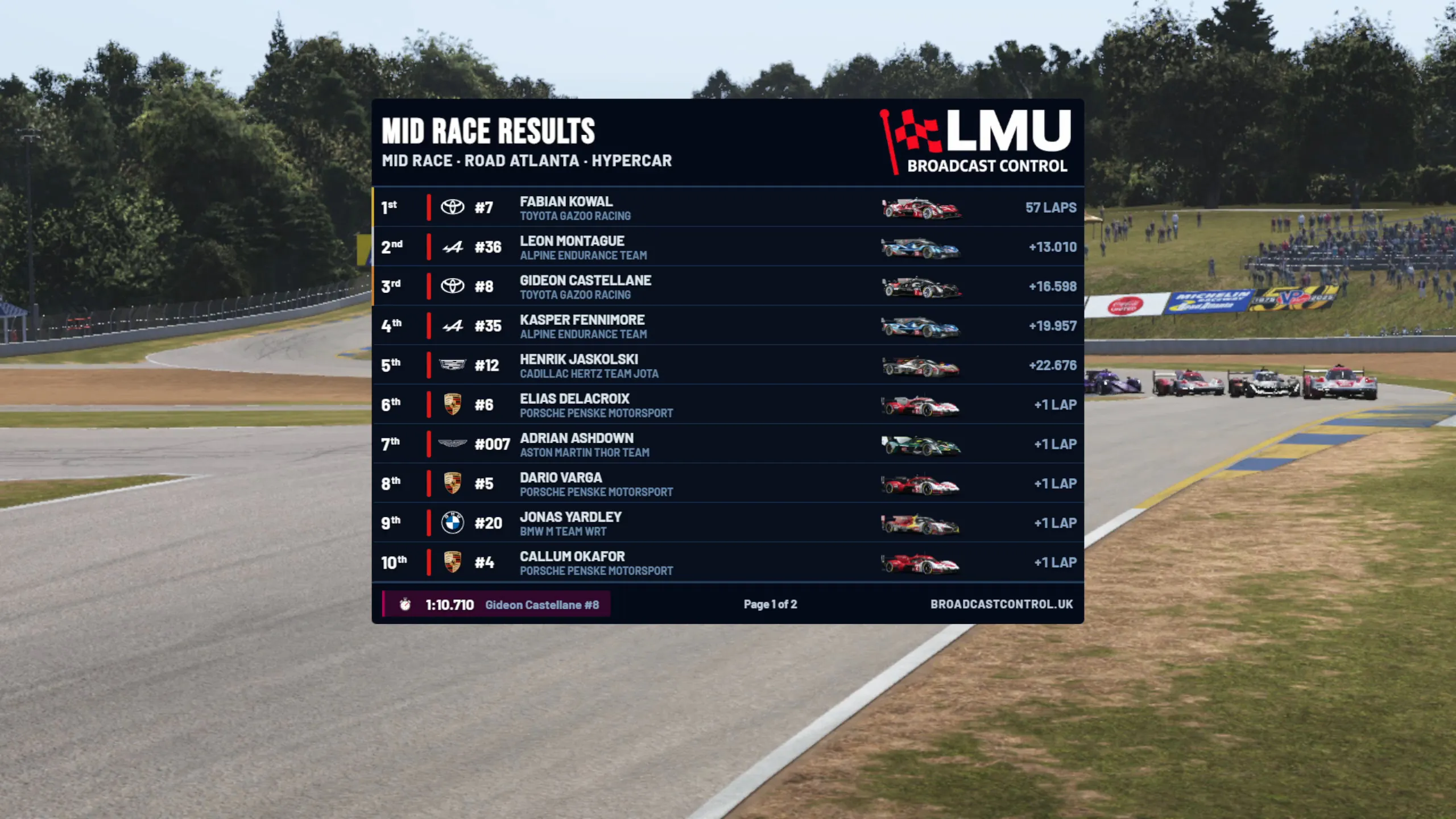
View Session and mid-race results full screen
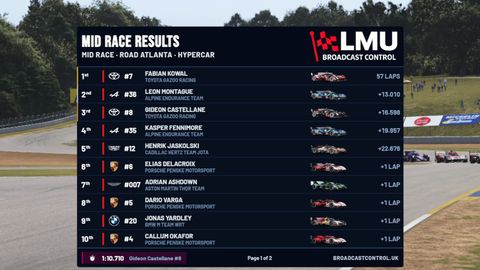
Session and mid-race results
Paginated classification, captured at the end of the session or during the race.
-
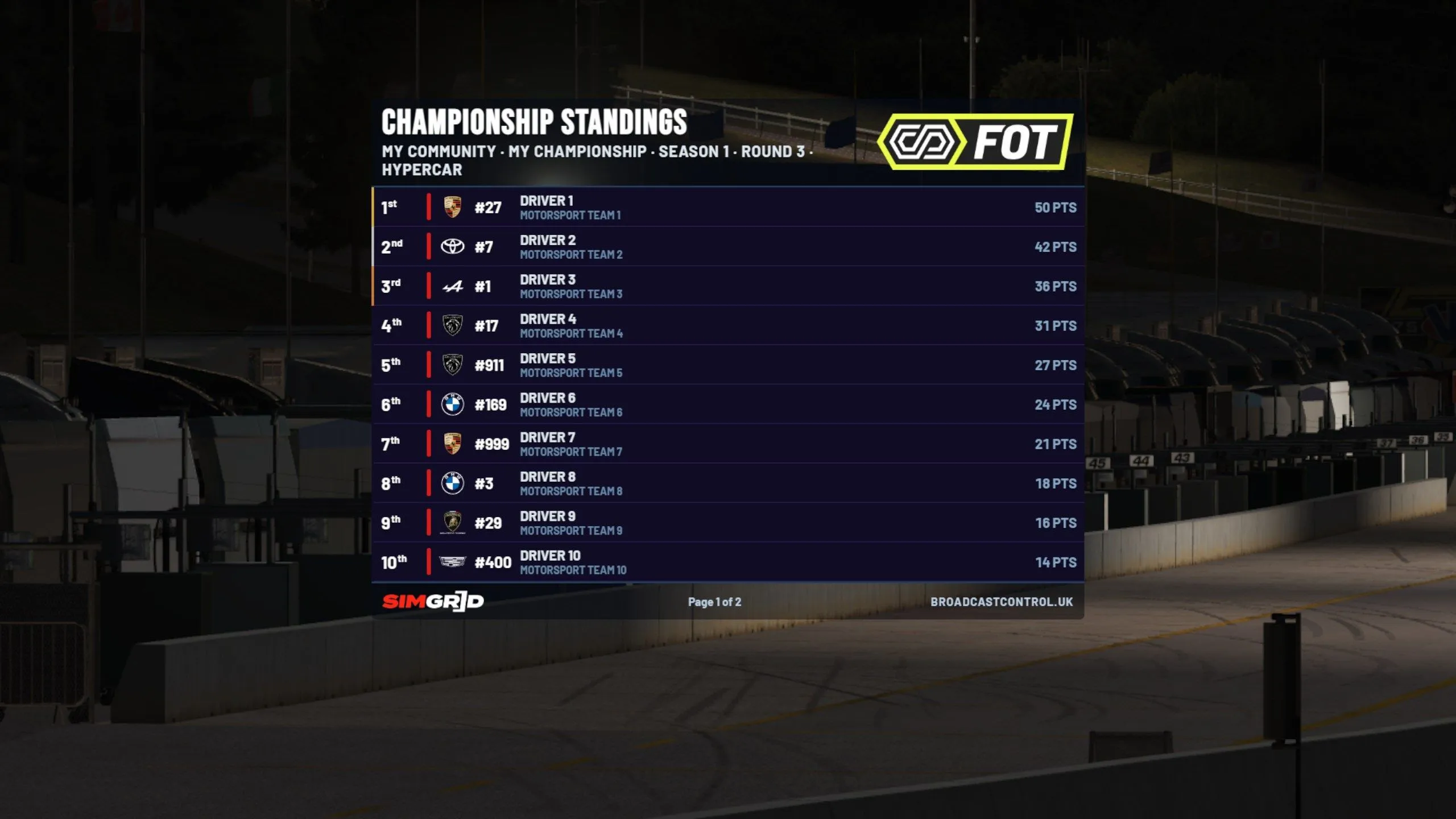
View Championship standings full screen
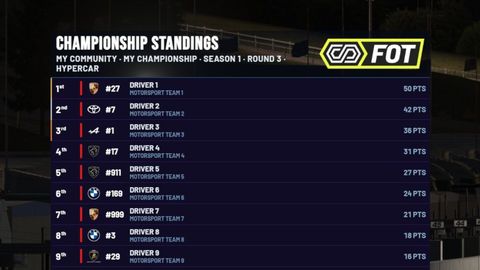
Championship standings
Points and medals for the top three, imported from a CSV. Multiple championships and per-class filtering.
Flags, notices and replays
-
View Replay overlays and stinger full screen
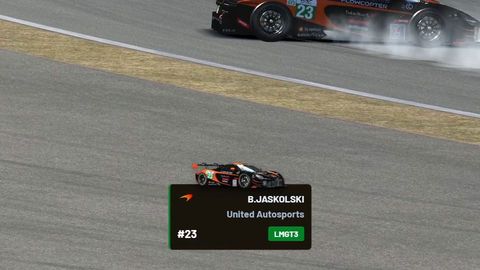
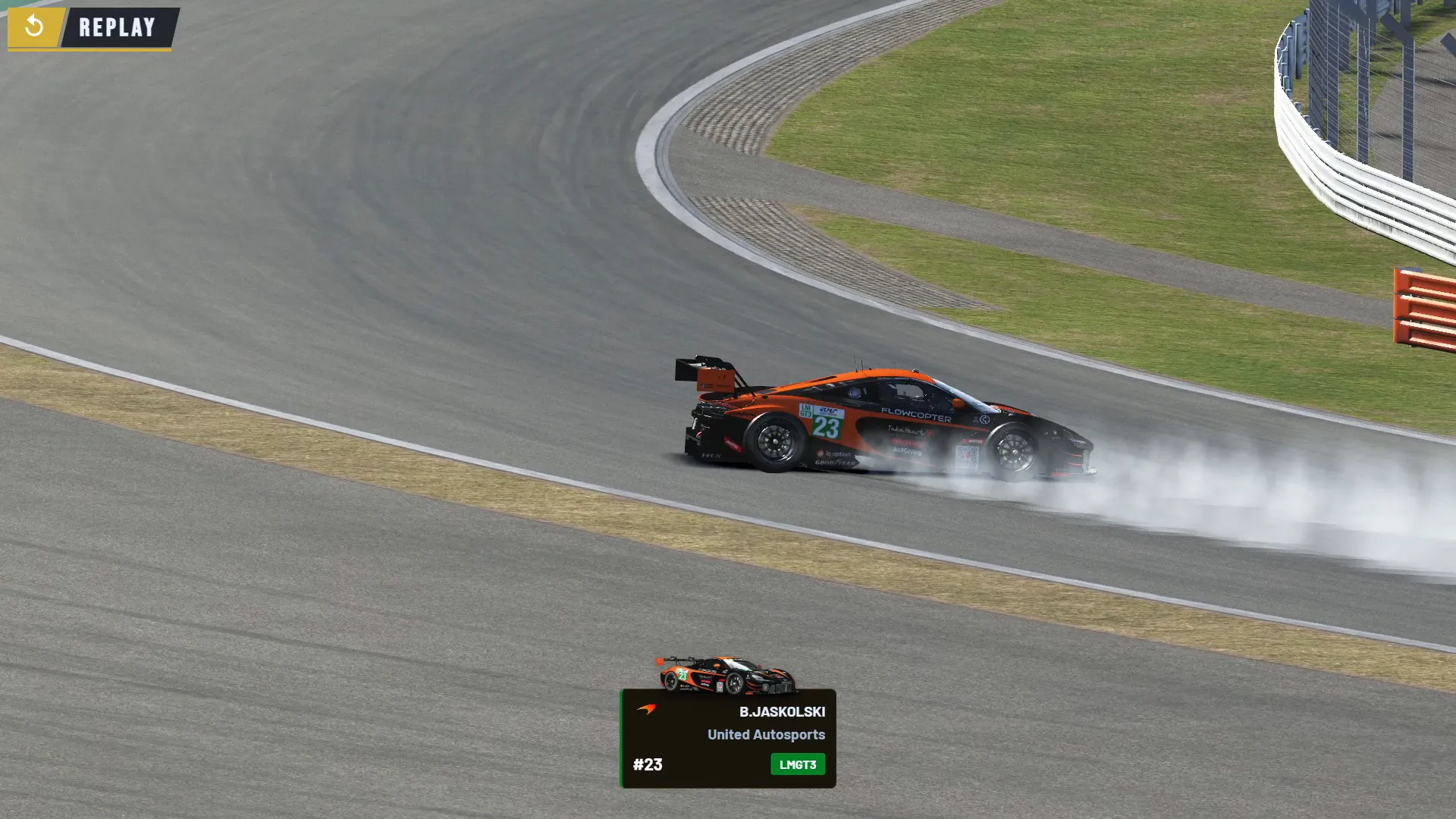
Replay overlays and stinger
Driver info for a yellow, the 1v1 graphic for a contact, a REPLAY banner, and your own MP4 or WebM stinger into replays.
-
View Full Course Yellow and Safety Car full screen
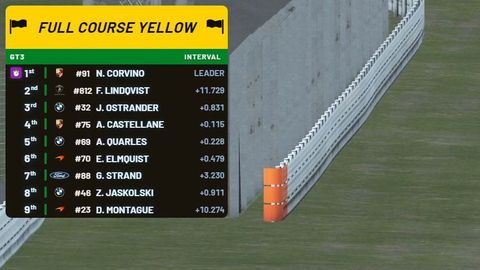
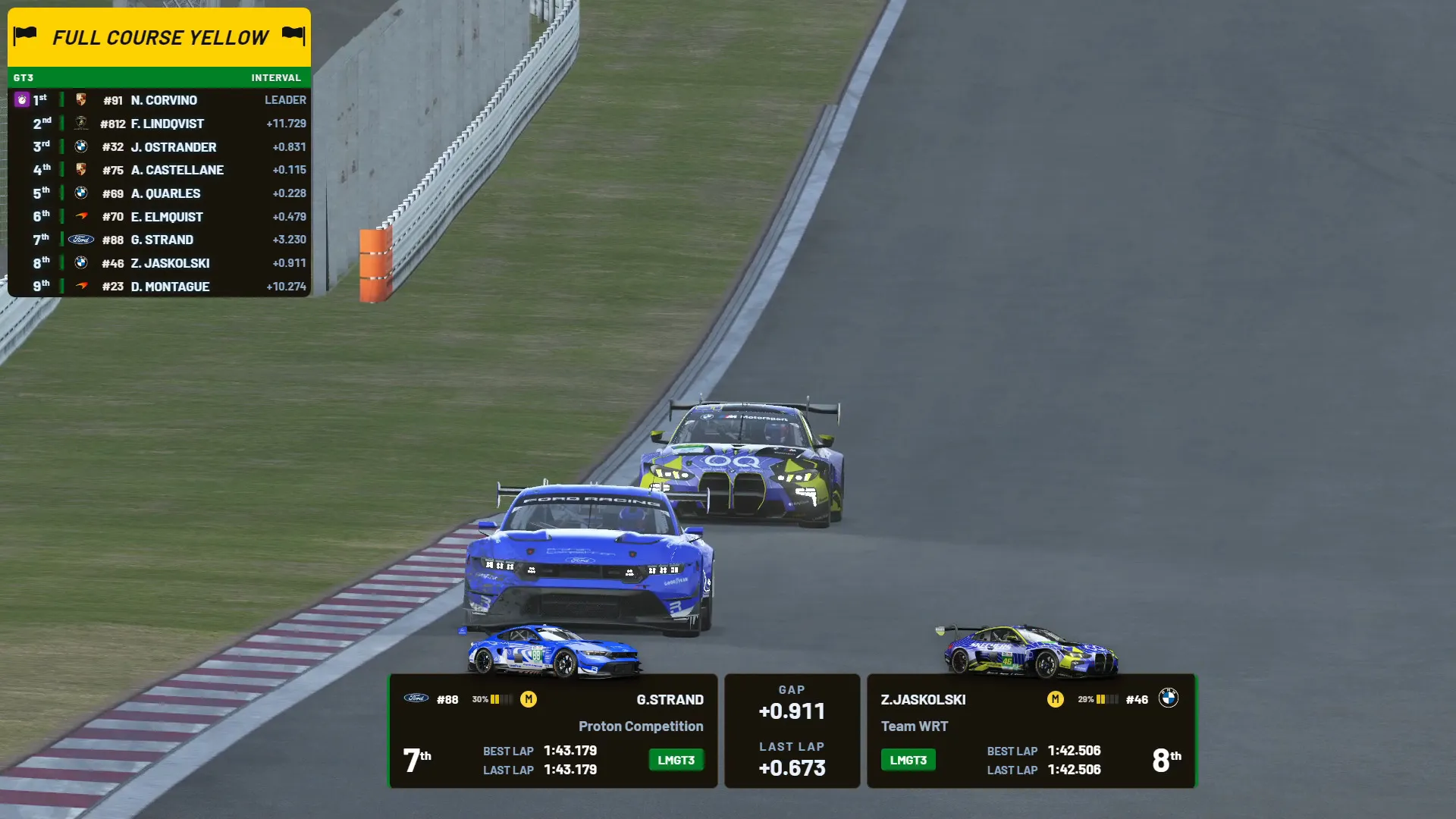
Full Course Yellow and Safety Car
The overlay header becomes a yellow FCY or Safety Car bar, set from Live Timing or Stream Deck.
-
View Penalties full screen
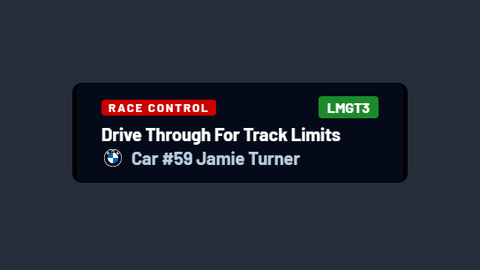
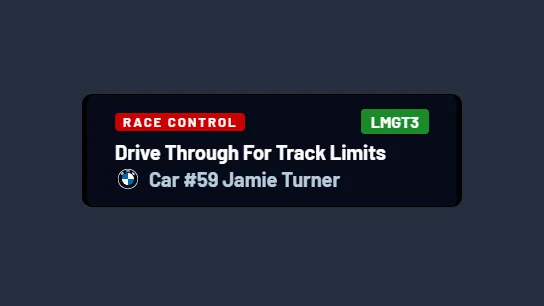
Penalties
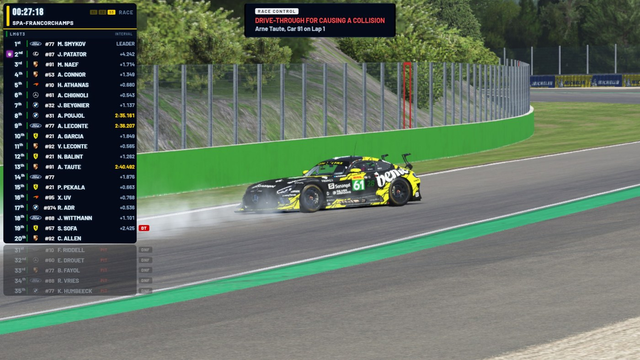
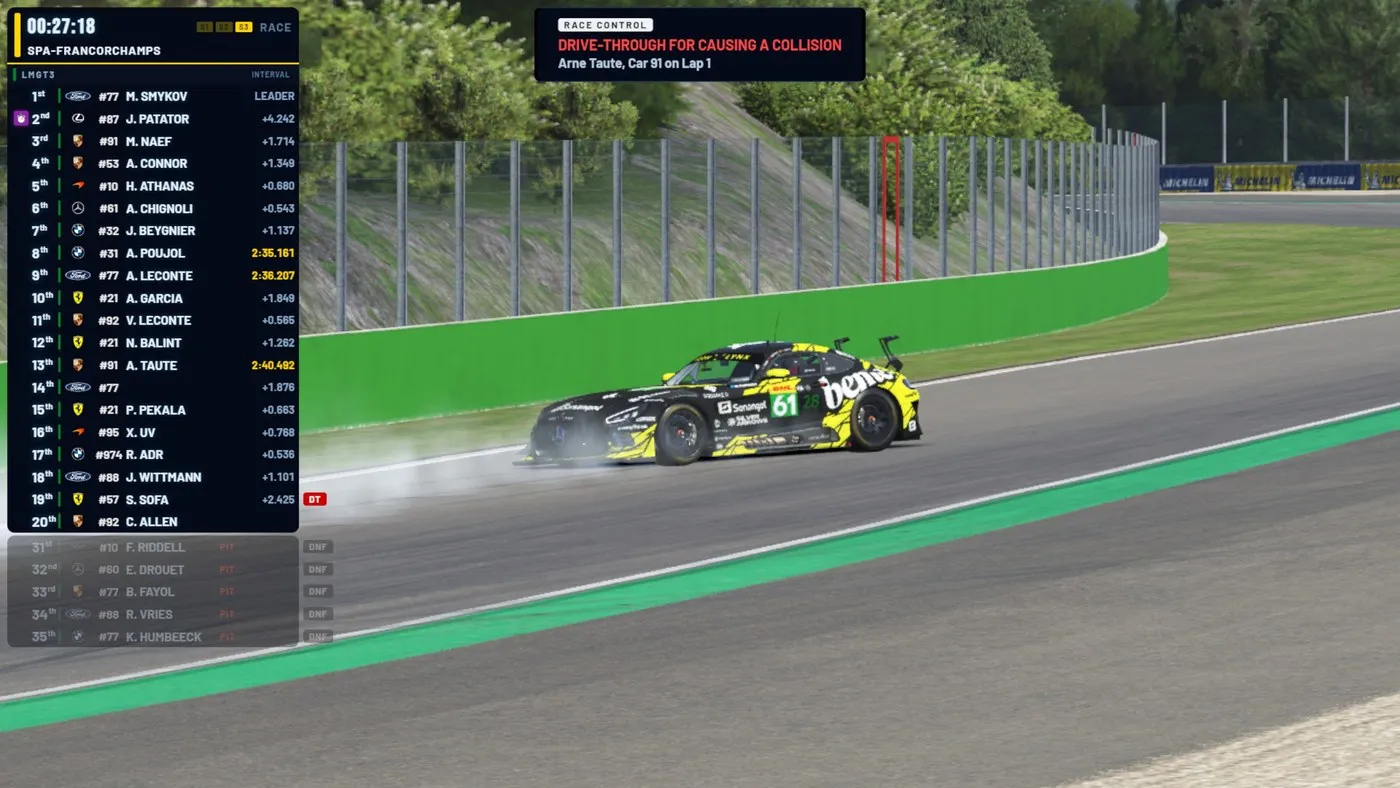
A penalty from the game, shown to viewers as it's applied.
Your league's look Premium plan
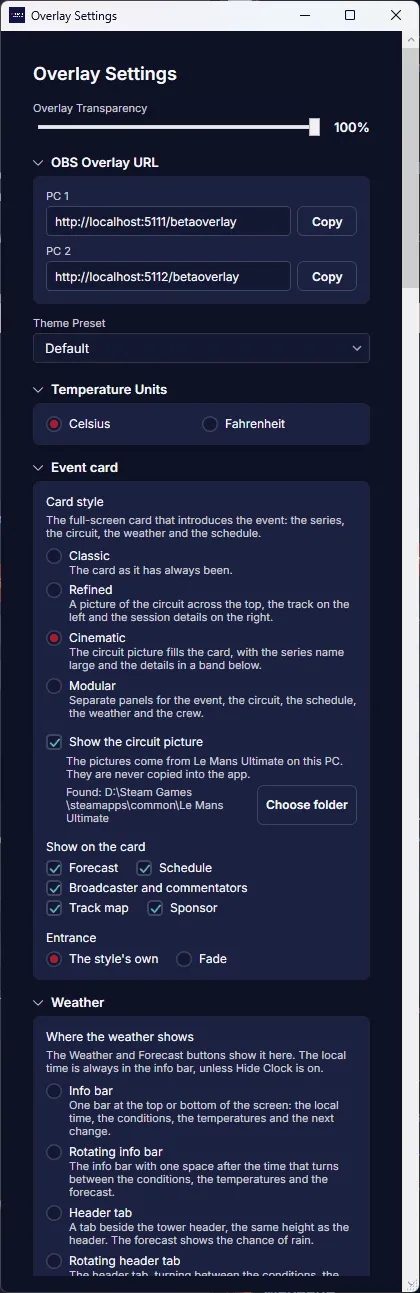
Put your league's colours, logo and sponsors on the overlays, and place each element where your broadcast needs it.
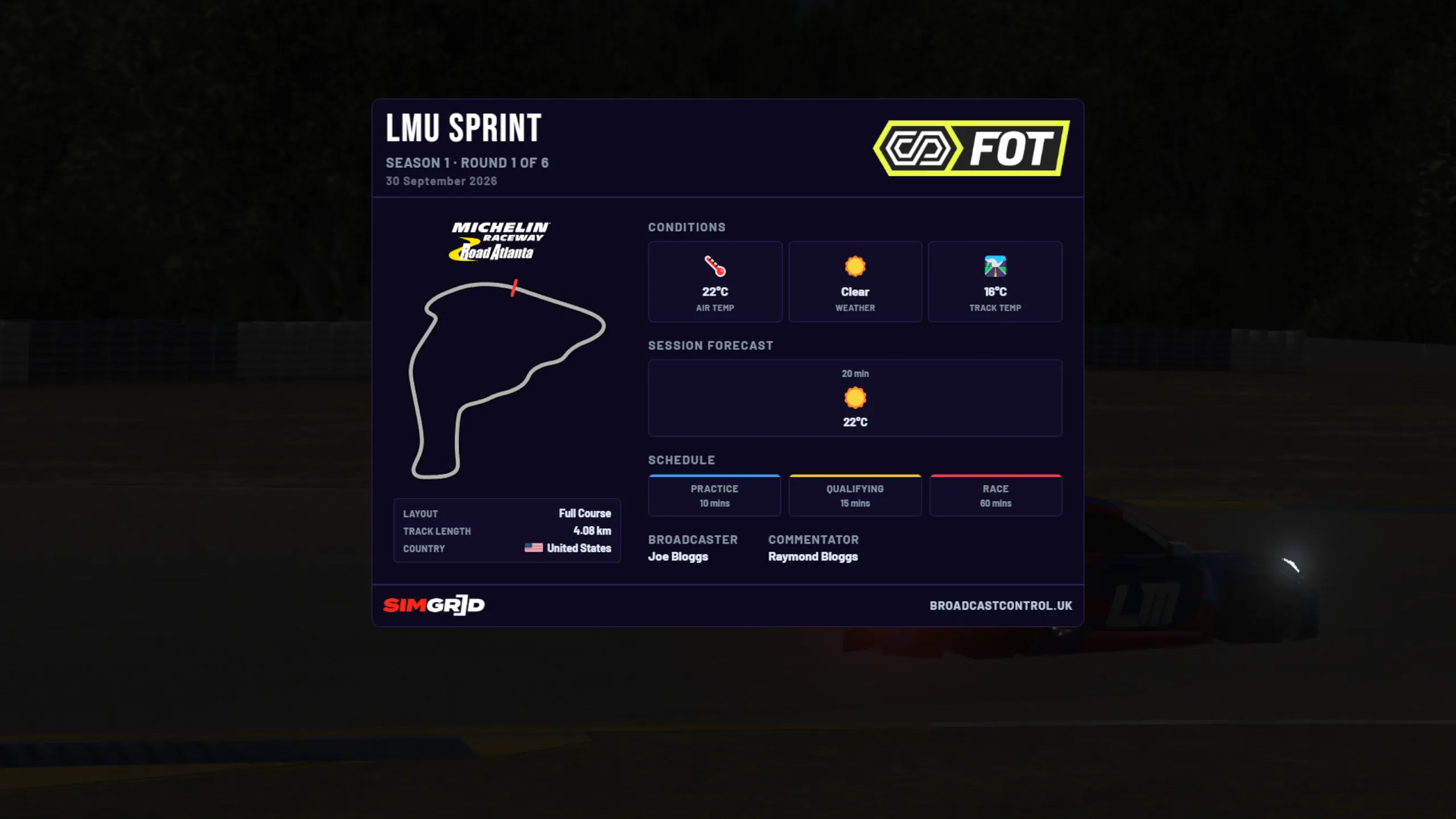
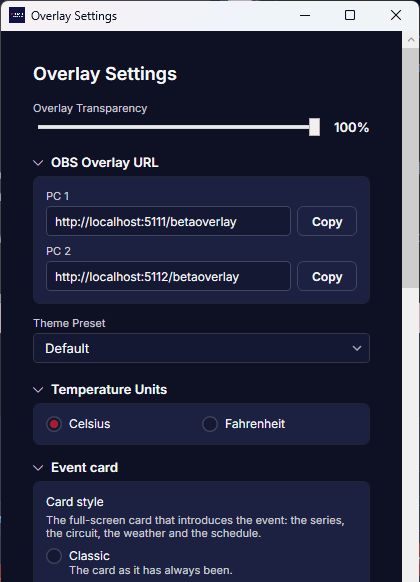
- Theme presets and custom colours
- League logo above the clock, sponsors rotating under the tower
- Car number styles in the class colour
- Overlay positioning
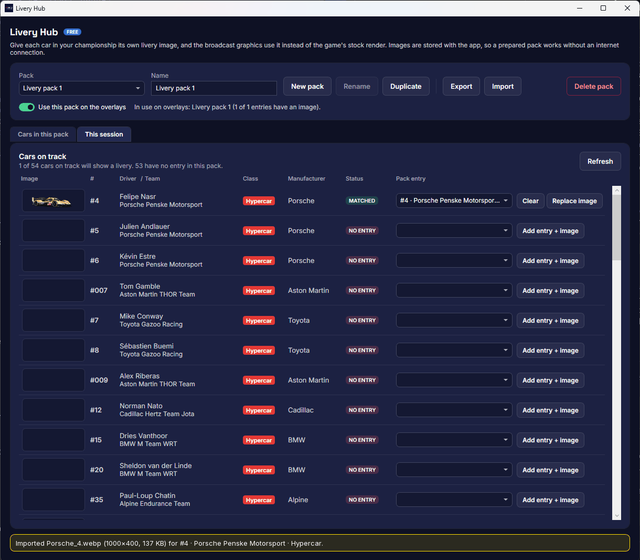
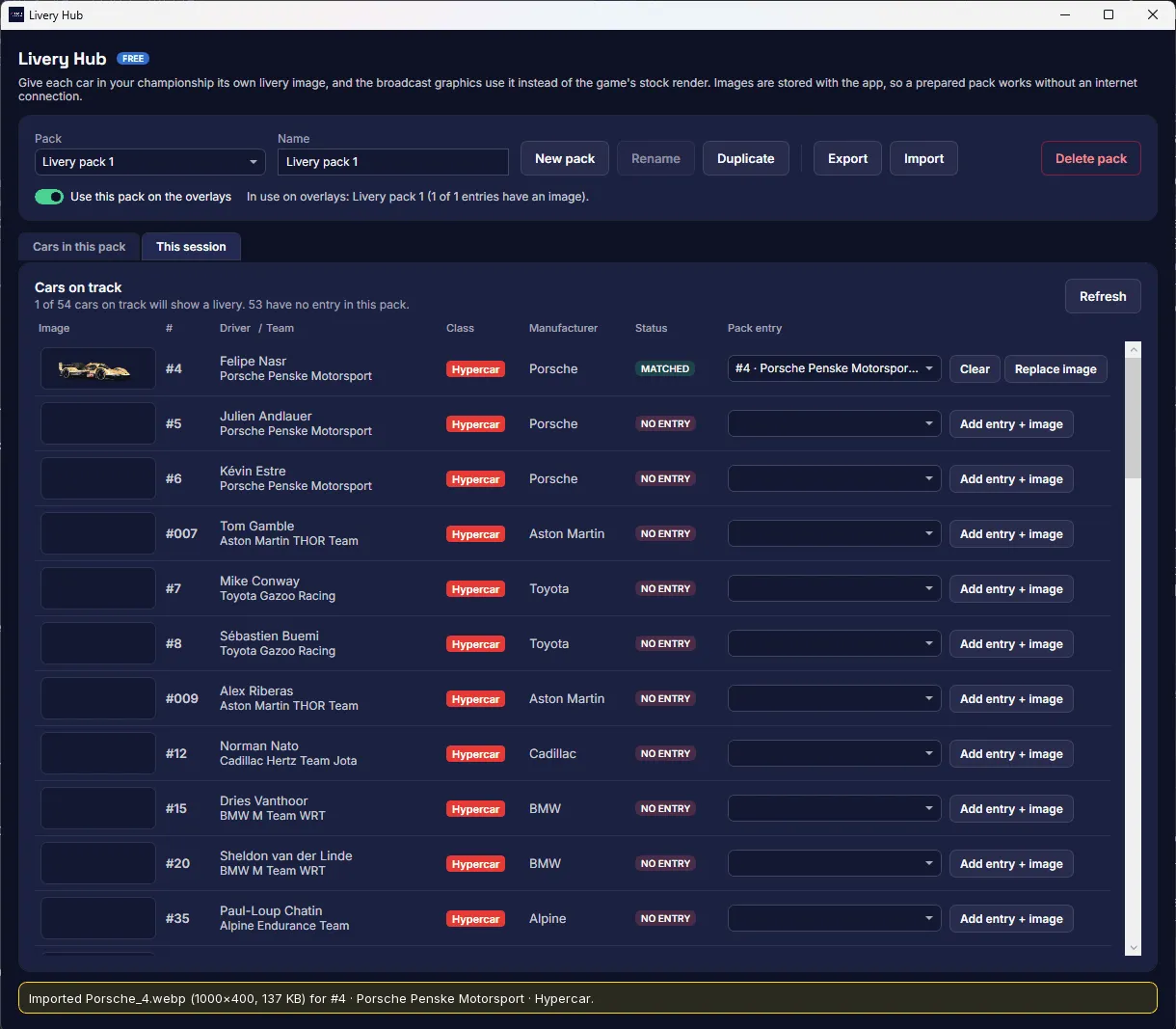
Your liveries on the grid
Add your championship's liveries once, and the starting grid, standings and battle panels show them instead of the game's stock cars.
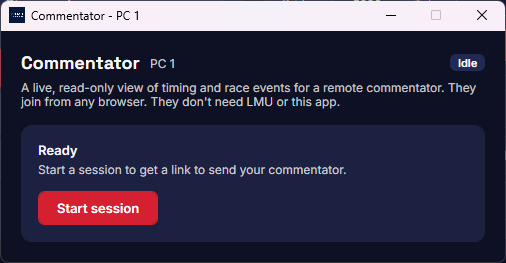
Commentary Portal Premium plan
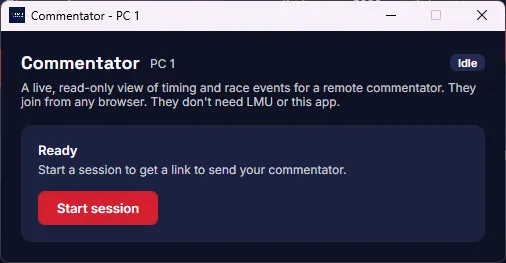
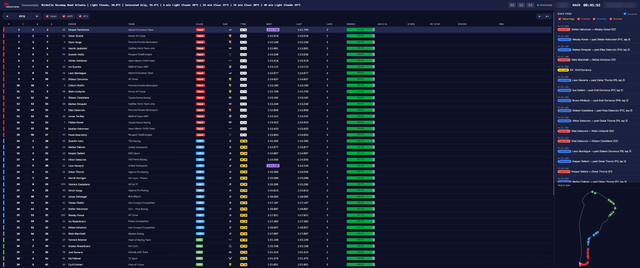
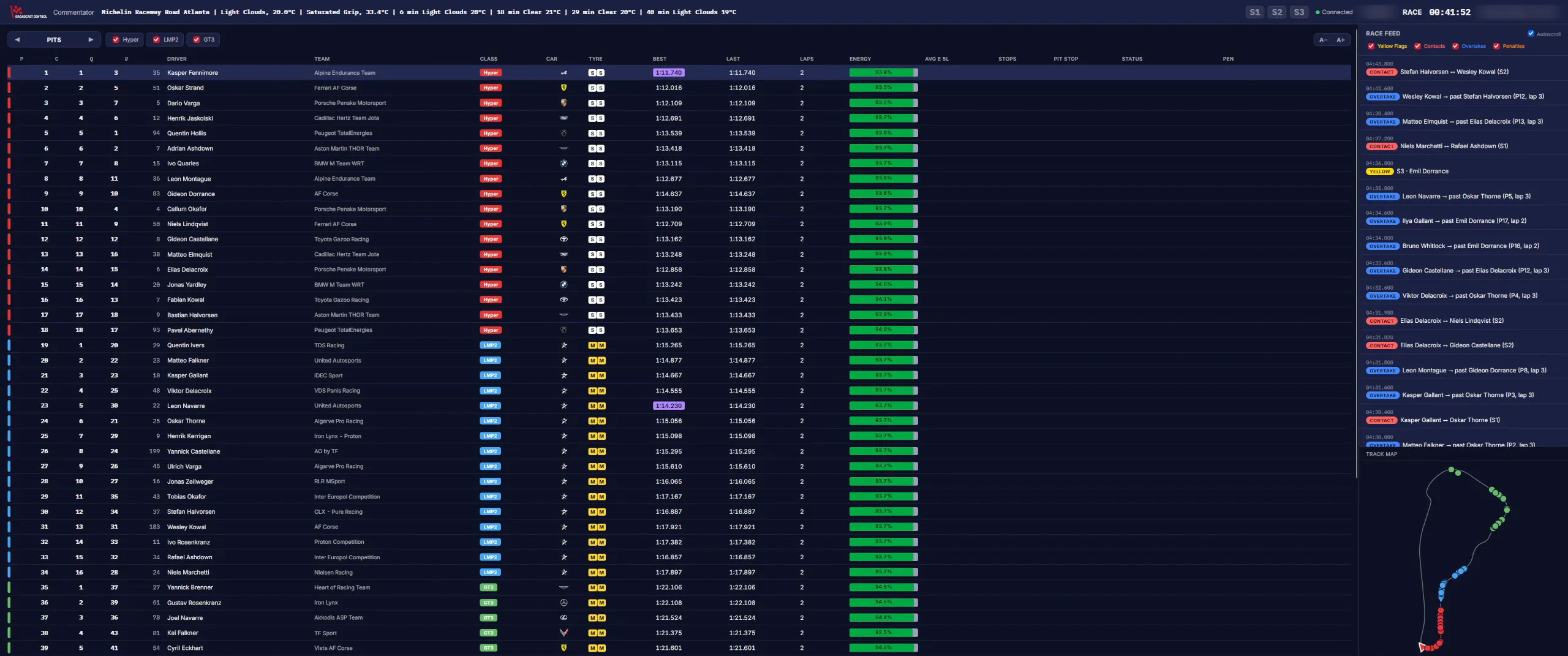
Remote commentators follow your live timing, event feed and track map in a browser, with no install and no login. The Premium plan includes 2 seats.
Hand incidents to your stewards
Stewards Room Premium plan
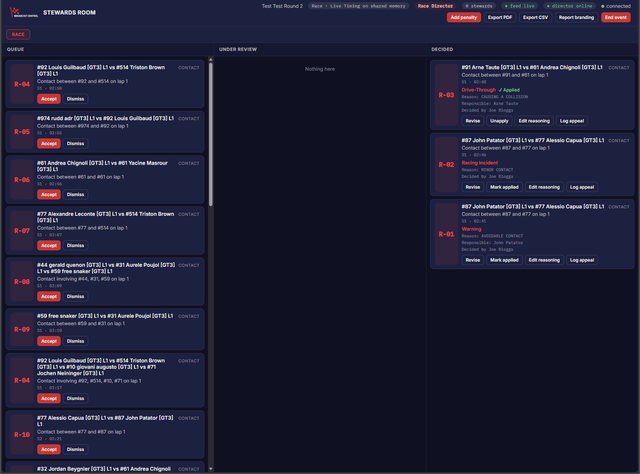
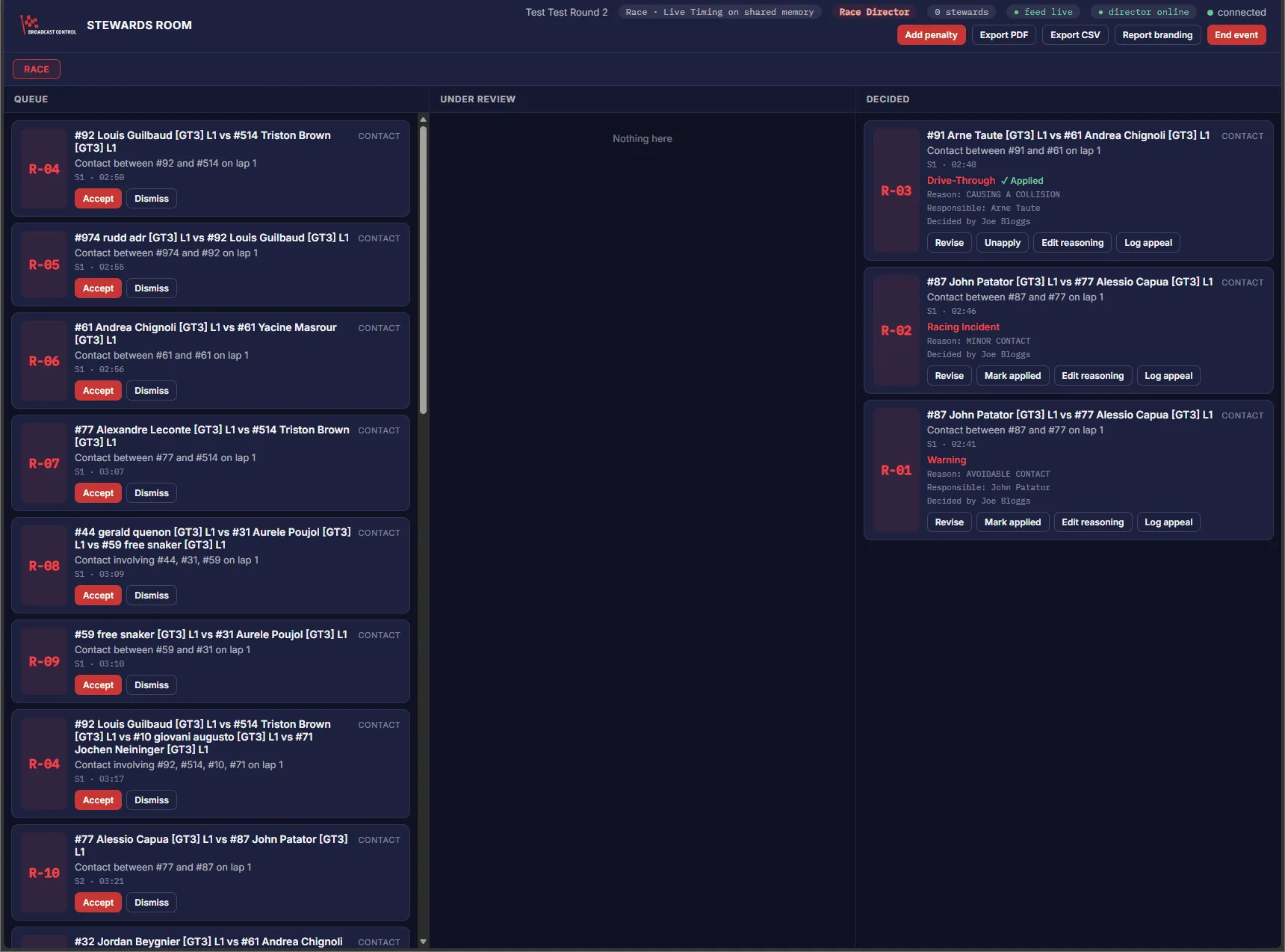
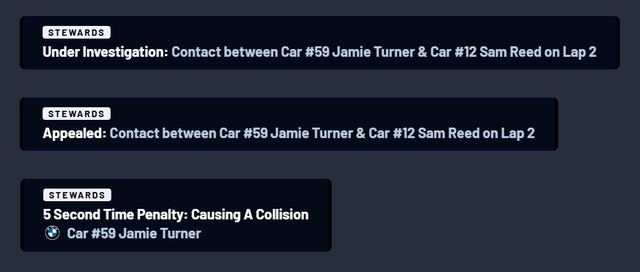
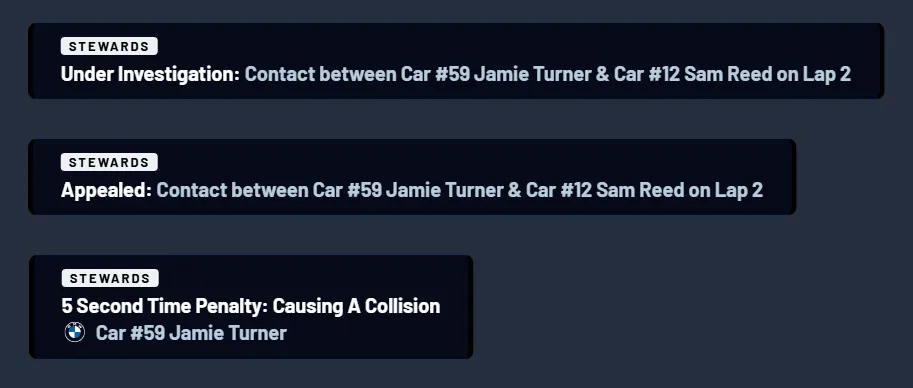
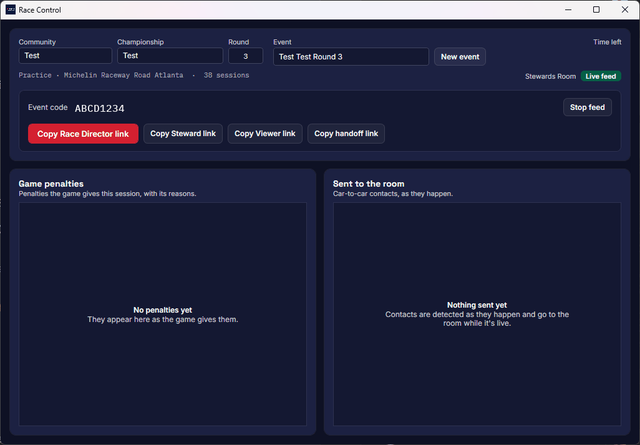
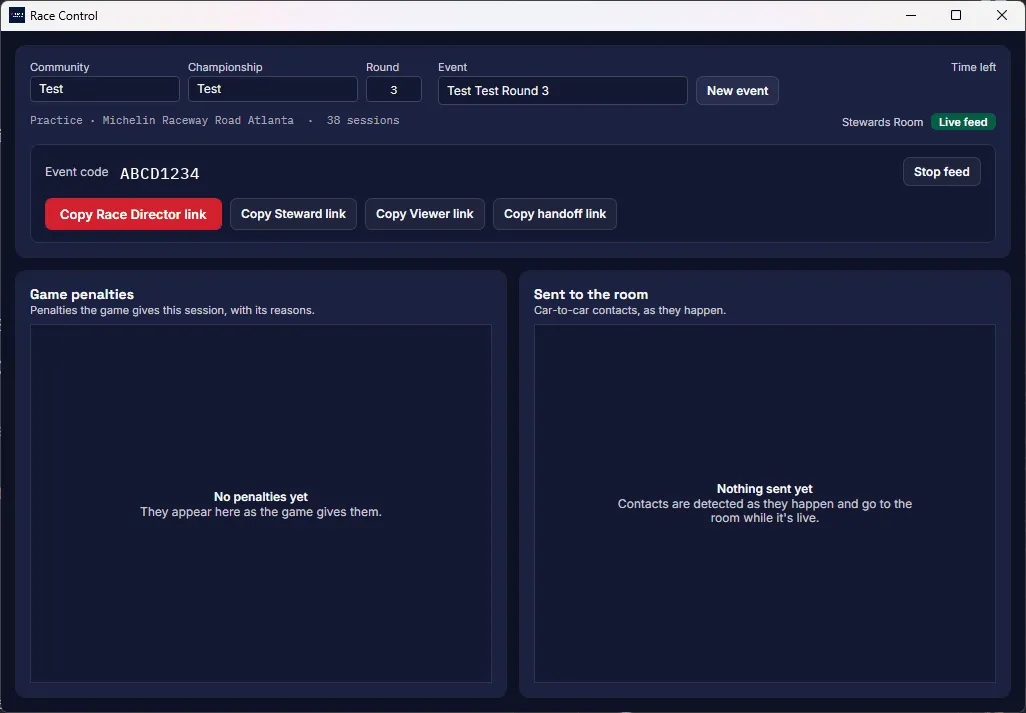
A shared room in the browser for a race director and a steward. Start it from the app's Race Control window; incidents arrive as they happen, rulings can go straight on air, and reports export to PDF and CSV.
Google Sheets Race Control
Free on every plan: incidents go to a spreadsheet in your own Google Drive. Privacy policy


Run it from a Stream Deck
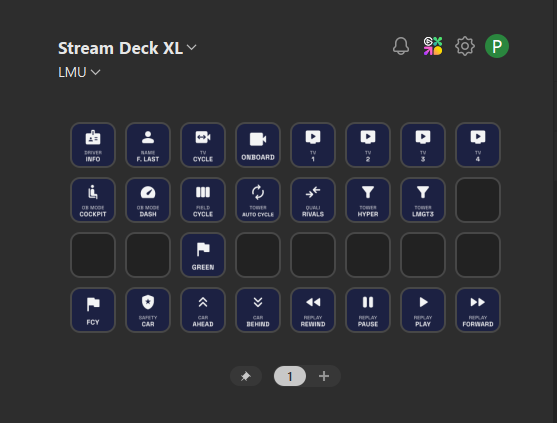
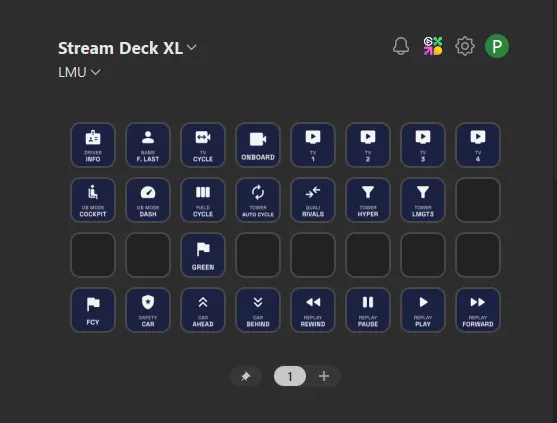
The plugin in the installer puts overlays, cameras, results and the flag state on keys, lit while they're active.
Free to broadcast the race
Everything on this page is free except what's marked Premium plan. The plan, with additional overlays, extra standings tower features and advanced overlay features as well, is for leagues running a season: £9.99 a month, or £7.99 a month paid yearly.
Download for Windows Compare plans
Runs on the game PC or on a second PC, and the installer includes everything for both. Setup guide